Your event data is most useful when it reaches the teams and tools that act on it. But when registrations, attendance, and engagement stay separate from your CRM or warehouse, someone has to move the data before your team can follow up or report on it.
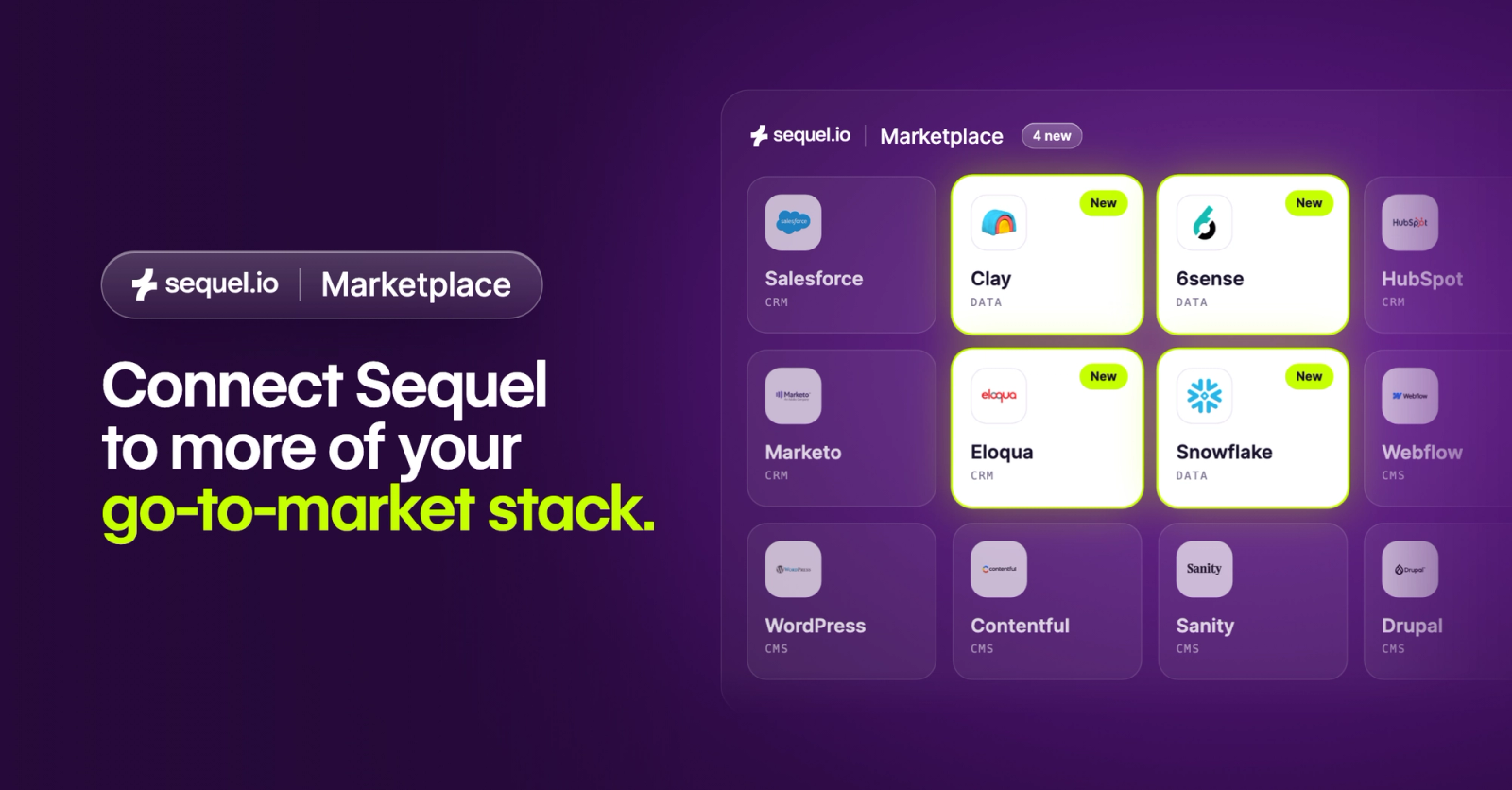
We’ve expanded the Sequel Marketplace with four integrations that help event data fit into the way your team already works. Across campaign activation, account prioritization, automation, and reporting, these integrations connect event signals to the work your team already does.
Each integration solves a different handoff, so your team can put event engagement to work where it matters most.
Enrich and route event leads in Clay
When attendee data has to be exported and cleaned before enrichment, follow-up can wait until the webinar is no longer fresh.
Sequel’s integration with Clay brings event, registrant, and attendee data straight into a Clay table, where your team can run the workflows it already trusts.
- Follow up while interest is fresh: Enrich and qualify attendees in Clay, then route the right contacts to outreach.
- Keep CRM records complete: Enrich and deduplicate event leads before sending them to your CRM.
- Prioritize registrants before the event: Enrich and score signups so sales can see which target accounts registered.
- Reuse your workflow each week: Run every webinar session through the same Clay process without repeated exports.
For example, after a weekly webinar, attendees can flow into the same Clay table your team already uses. Clay can enrich and deduplicate them, then route qualified contacts to outreach while interest is fresh. Before the next session, the same workflow can score registrants so sales sees which target accounts signed up.
Learn more about the Clay integration
Prioritize event engagement with 6sense
Attendance shows who engaged with your event. Account context helps your team understand which engaged buyers to prioritize.
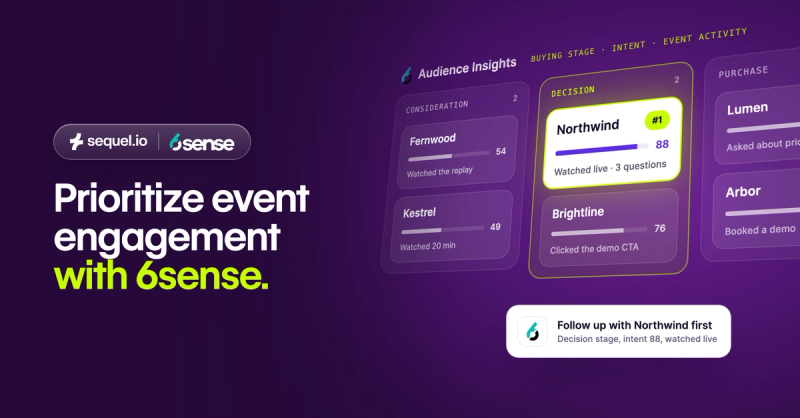
Sequel’s 6sense integration brings buying stage, intent score, profile fit, and segment membership into Audience Insights, alongside event activity.
- Build audiences from published segments: Use 6sense segments in Sequel without rebuilding lists or uploading files.
- Prioritize the right accounts: Review buying stage, intent score, and profile fit alongside event activity in Audience Insights.
- Combine intent and engagement: Choose to include 6sense intent with event behavior in the Sequel Score.
- Add context to anonymous activity: See identified account context when 6sense connects engagement to a company.
An ABM team can start with published 6sense segments to shape its Sequel audience, then use event activity alongside buying-stage and intent signals to decide which accounts need follow-up. This connects pre-event targeting with post-event prioritization, including when 6sense identifies the account behind anonymous engagement.
Learn more about the 6sense integration
Put event data to work in Eloqua programs
Your webinar program doesn’t end when the event does. Registration, attendance, and replay activity can inform reporting and trigger timely nurture, but only when that data reaches Eloqua in a form your programs can use.
Sequel’s native Eloqua integration connects event activity to the contact and program workflows your team already uses.
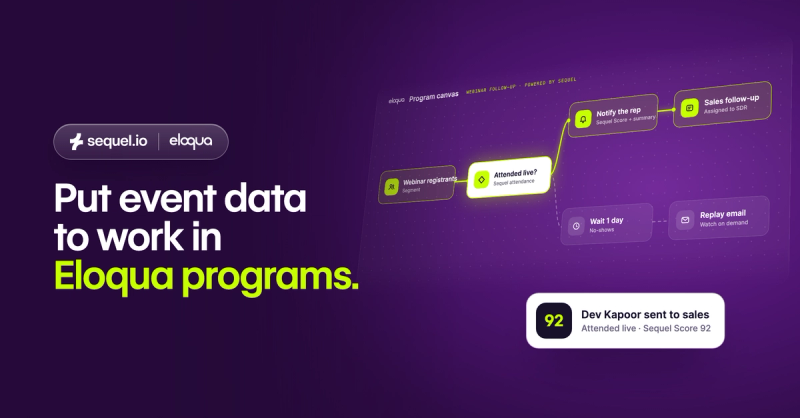
- Route follow-up by attendance: Send attendees to sales follow-up and no-shows to replay nurture through your program canvases.
- Give sales event context: Map Sequel Score and engagement summaries to Eloqua contacts.
- Keep registration answers useful: Use Eloqua contact field picklists so responses segment cleanly.
- Reduce ongoing maintenance: Let Sequel handle attendance matching instead of maintaining separate middleware or custom matching code.
For example, after a webinar, an Eloqua program can branch on attendance: send attendees to sales and no-shows to a replay nurture. Sequel Score and the engagement summary can add context to the Eloqua contact sales already uses.
Learn more about the Eloqua integration
Analyze event engagement in Snowflake
If your team reports from Snowflake, event activity belongs alongside CRM, product, campaign, and revenue data. Without a direct path, someone has to export files or maintain a pipeline before analysts can include webinar engagement in their models.
Sequel’s Snowflake integration brings registration, attendance, and engagement data into the warehouse your team already trusts, mapped to your column names.
- Retire a homegrown event pipeline: Let Sequel handle delivery instead of maintaining a custom pull and load process.
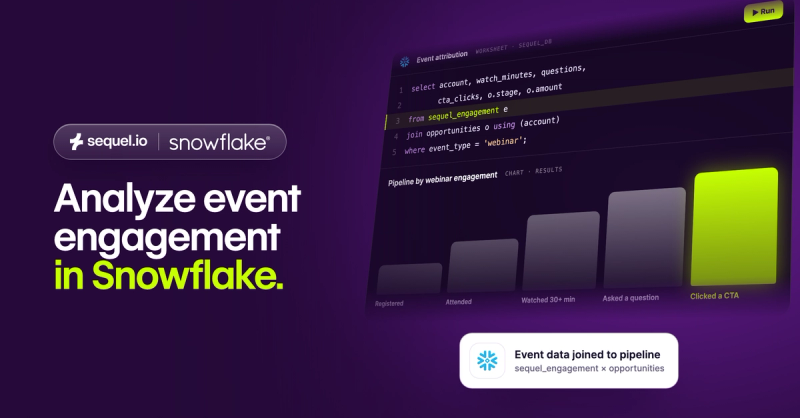
- Include events in attribution: Join attendance, viewing, and interaction signals with CRM and campaign data.
- Build account models around buyer activity: Use engagement data to see how people from target accounts interact across events.
- Keep measuring after the live event: Include replay activity that happens days or weeks later.
An analyst can join attendee records to opportunities and campaigns to compare deeper engagement, like time watched, questions, or CTA clicks, with pipeline outcomes. When someone watches the replay later, that activity can continue adding context to the warehouse view after the live session.
Learn more about the Snowflake integration
Event engagement, connected to the work around it
Whether your team is enriching leads, prioritizing accounts, running nurture, analyzing pipeline, or managing webinar campaigns, event data should be ready where the next step happens. These Marketplace updates give you more ways to connect Sequel to the systems your team already uses and make every registration, attendance signal, and replay view easier to act on.
Explore Sequel’s Marketplace to see how event engagement can fit into your go-to-market workflow.