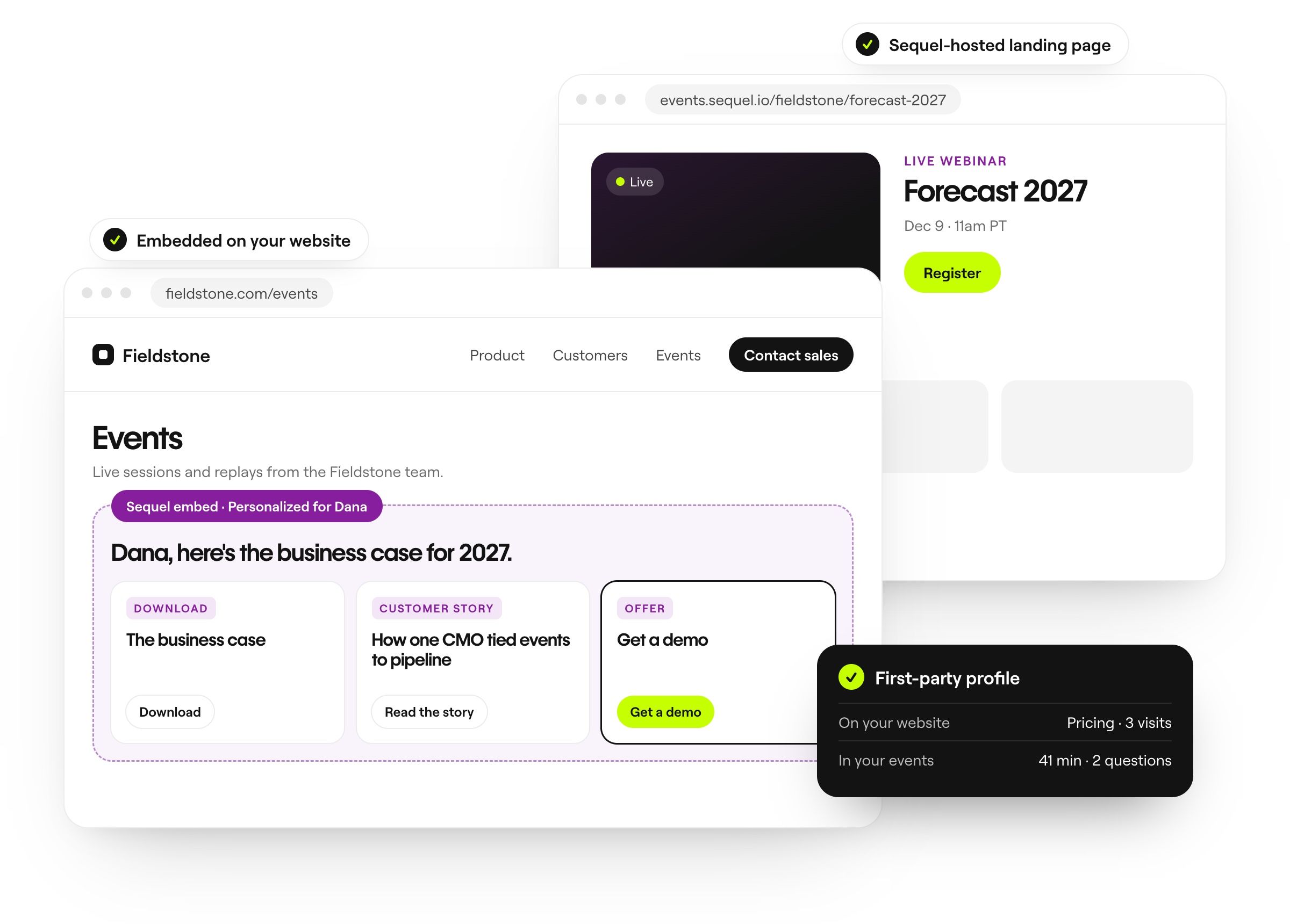
Event pages that change with who's watching, even during the live event.
Sequel Experiences changes the content and next step on your event pages based on who each viewer is and how they engage with your events. Build it once, in your brand, on your website.

























Most event pages are the same for everyone. A first-time visitor and a VP who has attended three sessions see the same page, the same resources and the same call to action.
Your events run on your website. So Sequel knows more about each viewer.
Your events run on your website, so Sequel brings event engagement and website activity together in one first-party audience profile. That context shapes what each viewer sees next.
- 01Who they are
Function, seniority, company size, industry and region from enrichment, plus registration and attendance from your events, and customer status from a customer tag in your natively connected CRM. Decides which segment's content they see.
- 02How engaged they are
The Sequel lead score, driven by watch time, chat, Q&A, polls, reactions, clicks and return visits. Decides the funnel stage: top, middle or bottom.
- 03When they arrive
The event schedule. Decides before, during or after content.
What Experiences does
One block. The right card for each viewer.
The AI Personalization block is a grid of cards inside any Experience, filled in by audience segment and funnel stage. Each viewer sees the one card that fits who they are and how engaged they are, and it updates as they engage.
- CardsCalls to action, links, polls, ratings, downloads and a "next event" card.
- Copy that changes tooHeadings, text, buttons, the event description and the AI recap can say something different for each segment and stage.
- Greeting by nameRegistered viewers are greeted by first name. Everyone else sees a generic greeting.
The same builder for your event emails
Build registration, reminder and follow-up emails in the same editor, from blocks that display correctly in Outlook, Gmail and on phones. Attach an email to a scheduled send and each recipient gets their segment's version.
Describe your audience. Claude builds the page.
Connect Claude to Sequel once. Claude creates the segments, drafts the page for every stage in your brand and checks it. Every change needs your approval in Claude.
- 1Connect Claude to Sequel's MCP connector.
- 2Describe your event and the audiences you want to reach.
- 3Review the draft, then approve it to publish.
- →Checks segment sizesok
- →Drafts all three stages for each segmentok
- →Validates the pageok
Requires Sequel AI. Changes need your permission and your approval in Claude, and every call is logged.
Ways teams use Experiences
Your team writes the message for each audience.
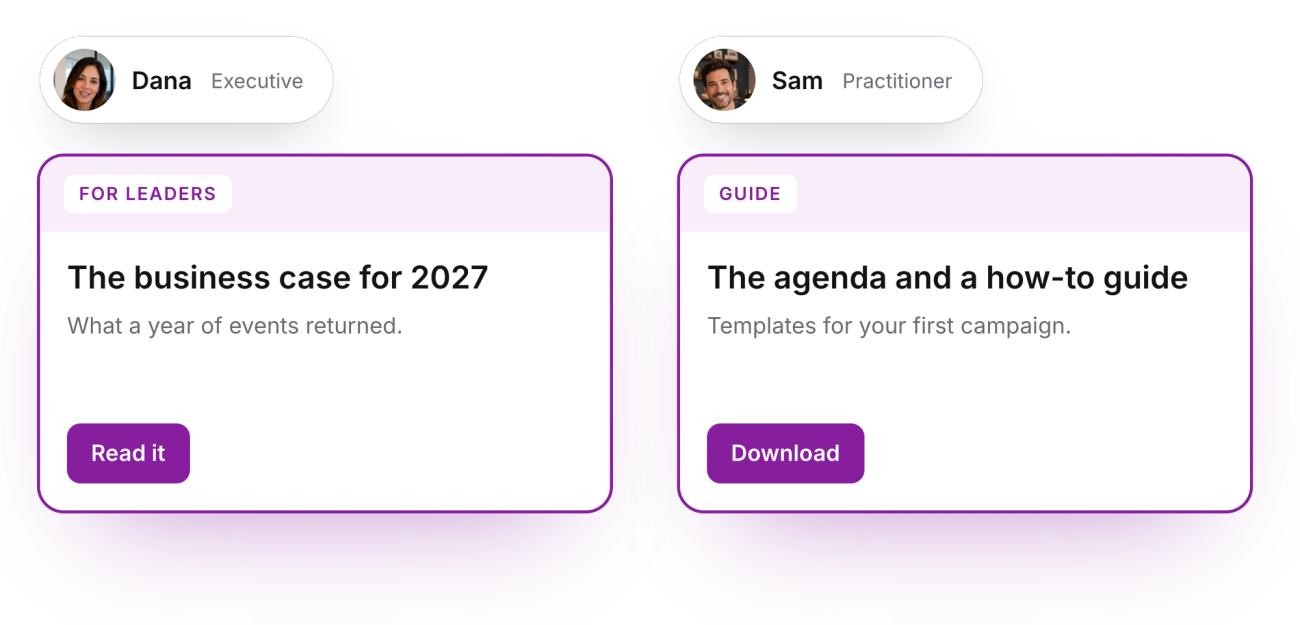
What it does: Once someone registers, the event page shows executives the business case and practitioners the agenda and a how-to resource.
Your website is the platform
Embed Experiences on your own website through the Sequel embed, or publish them as a Sequel-hosted landing page. Sequel shapes each page from what people do on your website and at your events, so the data is first-party.