Know why every lead engaged, and what to do next
Sequel Intelligence reads everything a person did across your webinars and your website, from the sessions they watched and the questions they asked to the pages they read, and writes a plain-language summary with a recommended next step. Use it in Sequel or send it to Salesforce or HubSpot.
An attendance report tells sales who showed up. It doesn't tell them why, or what to say on the call.
Every signal in, a clear story out
Intelligence pulls together what each person did at your events and on your website, works out what it means, and puts the answer where your team already works.
What it reads
Registrations and attendance
Which sessions, live or on demand, and how much they watched
Questions, polls, chat and reactions
What they asked and how they answered
Website visits
The pages they viewed and clicked on your site
Session content
Transcripts of what was covered
Lead details
Enriched profile data for each person
What it writes
AI Engagement Summary
The story of each lead's journey, in plain language
Recommended next step
What to say and propose, based on what they did
Intent, profile and journey analysis
With the facts, deductions and reasoning shown
Account summaries
Engagement across everyone at a company, in Sequel
Where it goes
Sequel
The Intelligence tab, Top Leads and account views
Salesforce
Lead and Contact records, with your own field mapping
HubSpot
Contact properties
Pardot, Eloqua and webhooks
For other systems in your stack
Sequel Agents and the Sequel MCP
For follow-up drafts and your own AI tools
The full story of each lead, in a paragraph
Instead of a row of attendance data, your team gets a written summary: which sessions someone registered for and watched, what they asked, how they answered polls, and what they read on your site between events. Topics of interest are pulled out so you can see what they care about at a glance.
- See the facts, deductions and reasoning behind every summary
- Roll engagement up to the account to see everyone at a company in one view
Next step · What to do about it
A recommended next step your reps can act on
Every summary comes with a recommendation built from the person's own activity: which session to reference, which question to answer, and what to propose. Reps go into the conversation knowing what the lead cares about.
Website · Plus events
Event engagement and website visits on one timeline
Because your webinars run on your own website, Intelligence sees what happened between events too: a return visit to your pricing page, a customer story read twice, a replay watched after the live session.
Summaries on the record your reps already open
After each event, Sequel can write the AI Engagement Summary to a long-text field on the matching Salesforce Lead or Contact, using the field you map. HubSpot teams get it on the contact record. No CRM? Everything is available inside Sequel.
- Salesforce Lead and Contact routing with field mapping
- HubSpot contact properties, plus Pardot, Eloqua and webhooks
Automatically after every event, or whenever you ask
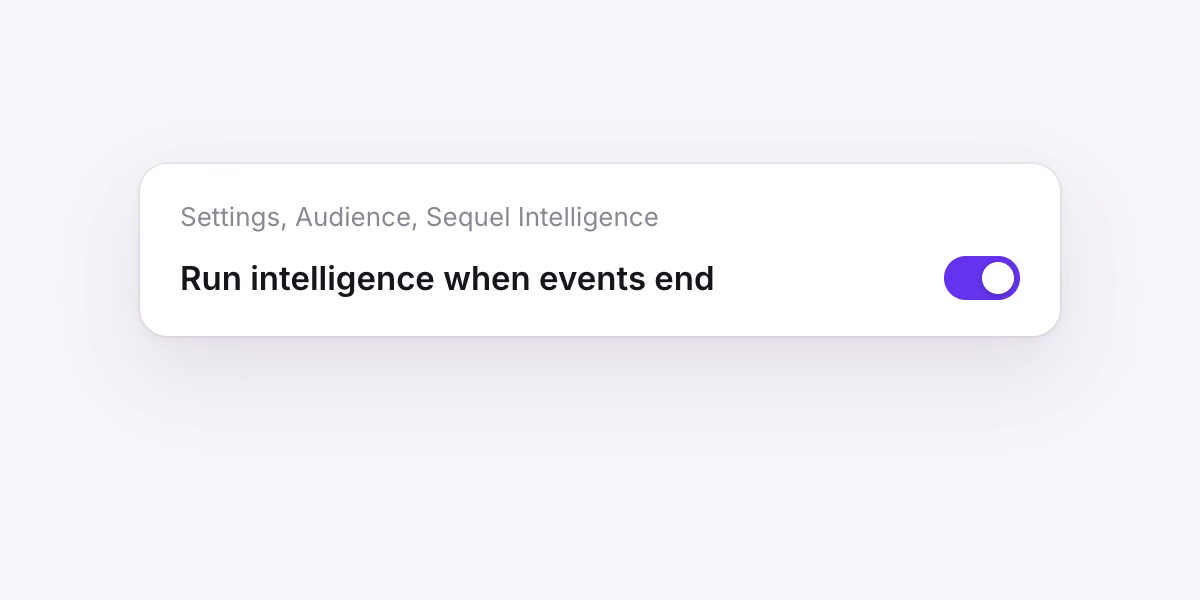
Automatic
When each event ends
Turn on one setting and Intelligence runs after every event, so summaries are ready while interest is high.
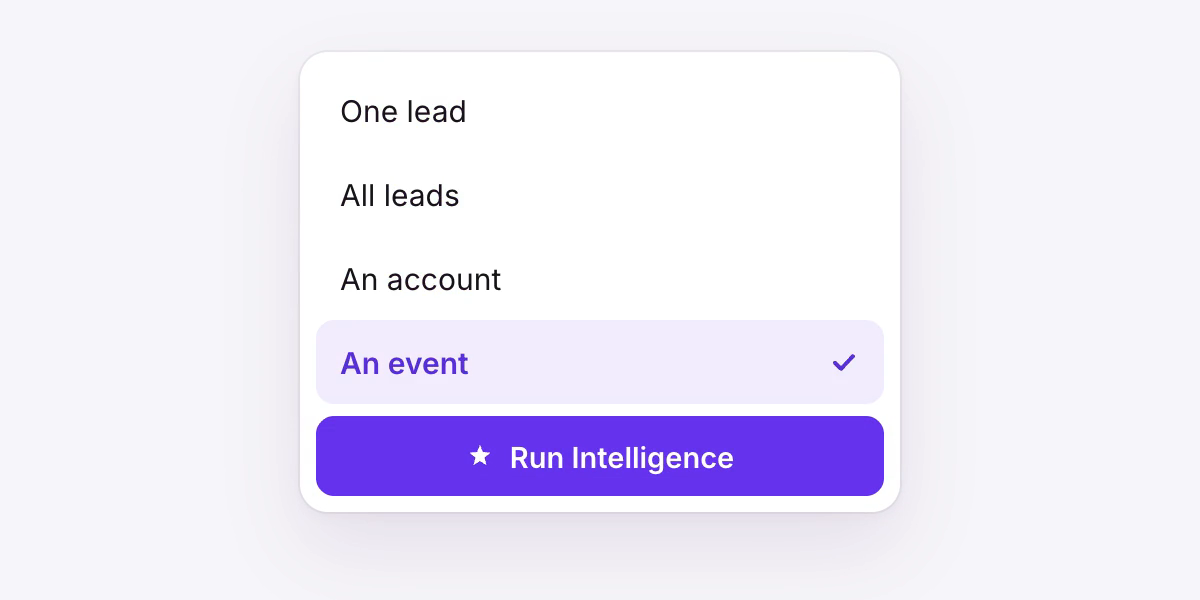
On demand
For any lead, account or event
Start a run from the Intelligence tab whenever you need it, like before a sales meeting or a quarterly account review.
A score tells you who. Intelligence tells you why.
Sequel gives you both, and they work together.
8/10
Sequel Score
An engagement score from 0 to 10 for every attendee, calculated from rules you can see. It's the fastest way to sort a list.
- Available on every plan
- Updated after each event and sent to your CRM daily
Why
Sequel Intelligence
An AI-written summary of what that person did and cares about, with a recommended next step.
“Attended two live sessions and replayed the integrations deep dive. Asked how pricing scales across teams. Returned to the pricing and security pages the same week.”
Intelligence powers your agents and your AI tools
The same understanding of each lead feeds the rest of Sequel and the AI tools your team already uses.
Sequel Agents
Follow-up written from what each person did
The Convert agent uses each lead's Intelligence to draft personal follow-up and brief sellers. Nothing reaches a customer until someone on your team approves it.
Sequel MCP
Ask Claude or any MCP-compatible tool
Lead summaries and next steps are available through the Sequel MCP server, so you can pull them into your own AI workflows with tools like get_lead_intelligence.
I would recommend Sequel over any other webinar platform because of the data it provides. Other platforms can tell you who attended or answered a poll. Sequel can tell you what topics each attendee reacted to, what other pages on your site they visited, and where they are in their buying journey. That's rich context that my team can use to make informed decisions about our webinar strategy and to build follow up motions that drive pipeline.
How teams use Intelligence
SDRs
Prioritize who to call first
Sort attendees by score, then read the summary to decide who's ready for a conversation.
Sales
Context before every call
Reps open the Salesforce or HubSpot record and see what the lead watched, asked and read.
Marketing ops
Enrich the CRM after every event
Summaries land on the contact record automatically, with no CSV exports or manual notes.
ABM
See the whole account
Account summaries show how everyone at a target company engaged across your events.
Demand gen
Work replay viewers
People who watch on demand get summaries too, so late interest doesn't slip through.
Follow-up
Personal follow-up at scale
Agents draft follow-up from each lead's summary for your team to review and send.
Insight that turns into follow-up
“It also provides deep audience insights by tracking behavior, before, during and after the webinar, which is great for pipeline and follow up.”
“The biggest pro was the reporting - this gave us great actionable insights, particularly when integrated with our CRM.”
“There are lots of event types and different opportunities to engage webinar attendees, and it also makes follow-up simple with insightful analytics.”
AI you can check
Reasoning you can see
Each analysis shows the facts it found and the deductions it made, so you can see how it reached its conclusion.
Your data stays yours
Your engagement data isn't used to train AI models.
You decide where it goes
Summaries stay in Sequel until you turn on CRM delivery and choose the field they map to.