Your recurring webinars, run as one series
Put recurring webinars, office hours, training and launch weeks under one series. Attendees register once, one page on your site always shows the next session, and series analytics count each person once across every session.
Teams running event series on Sequel









Marketing teams run programs, not one-off webinars. Most platforms still make you build every session from scratch, as if it stood alone.
A weekly webinar shouldn't mean weekly setup
Your team rebuilds every session from scratch and ends up with a separate report for each one.
Marketing ops
Cloning the same webinar, again
Each session gets copied by hand, and every copy has its own settings to keep in sync when something changes.
Demand gen
Attendees register again and again
Your most loyal attendees fill out a form for every session, and some stop coming because of it.
Marketing leaders
You can see events, not the program
Reports come one webinar at a time, so the same person is counted in every session and nobody knows how many people the program actually reached.
Customer marketing
Recurring training is hard to find
Onboarding and office hours live in calendar invites and scattered links instead of one page customers can come back to.
Set up the series once. Every session follows.
- Repeat daily, weekly, monthly or on a custom schedule, including patterns like the second Tuesday of the month
- Change settings once and sync them to every session
- Keep a session private until it's ready to promote
Every session in the series, and every page they visit, on one profile
Because the series runs on your website, Sequel connects each person's sessions, replays, poll answers and questions with the pages they read on your site, then lands it all in your CRM.
- A summary of everything they did across the series
- Series sessions and page visits on one timeline
Pick the structure that fits the program
Event Series
Sessions that repeat over weeks or months
For programs your audience comes back to on a schedule.
- Weekly demos, office hours and workshops
- Monthly product updates and customer training
- Thought-leadership and member programs
- See Virtual Summits
Virtual Summits
A multi-track event over one or a few days
For flagship events where attendees move between parallel tracks.
- Annual conferences and user conferences
- Launches with keynotes and breakouts
- Partner and ecosystem events
How teams use event series
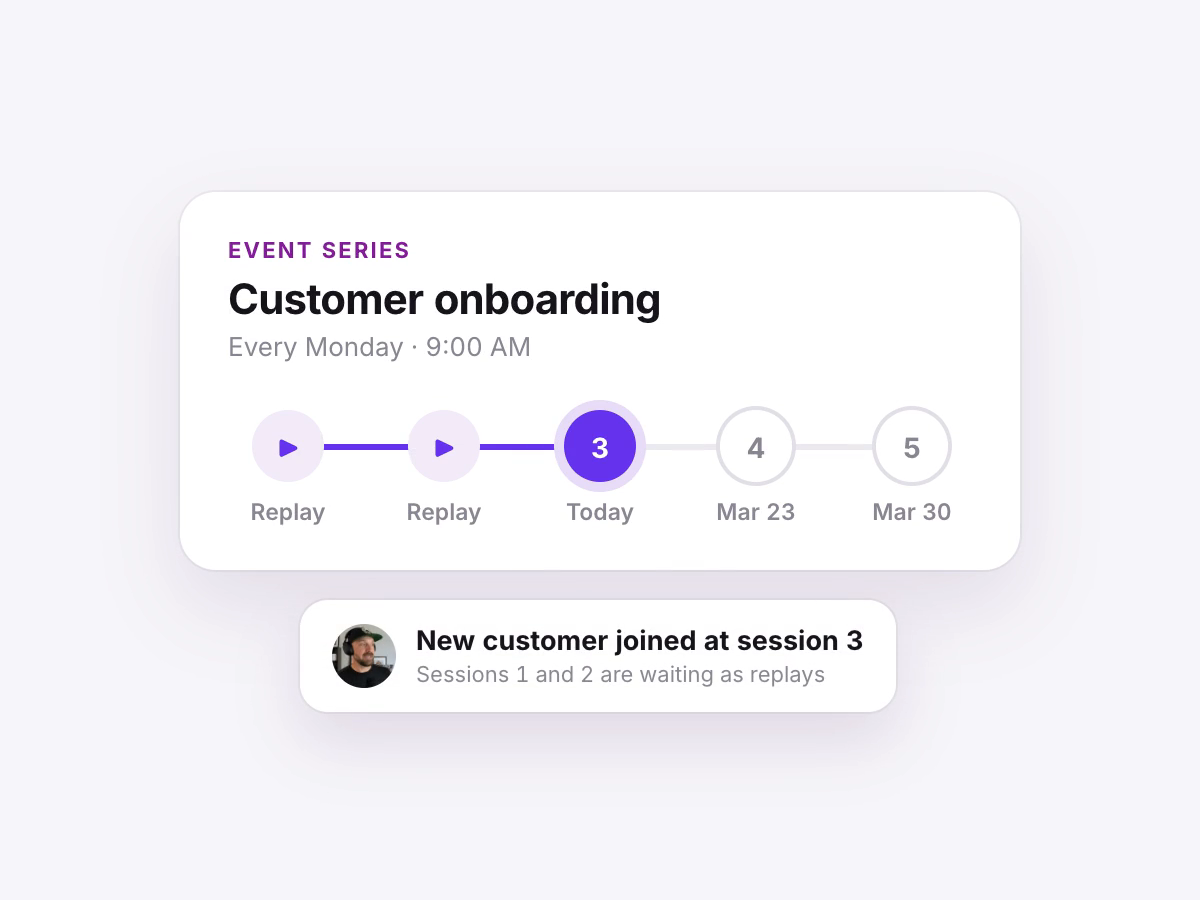
Customers
Onboarding and education
Run recurring customer training and enablement as one series that new customers can join at any session.
Product
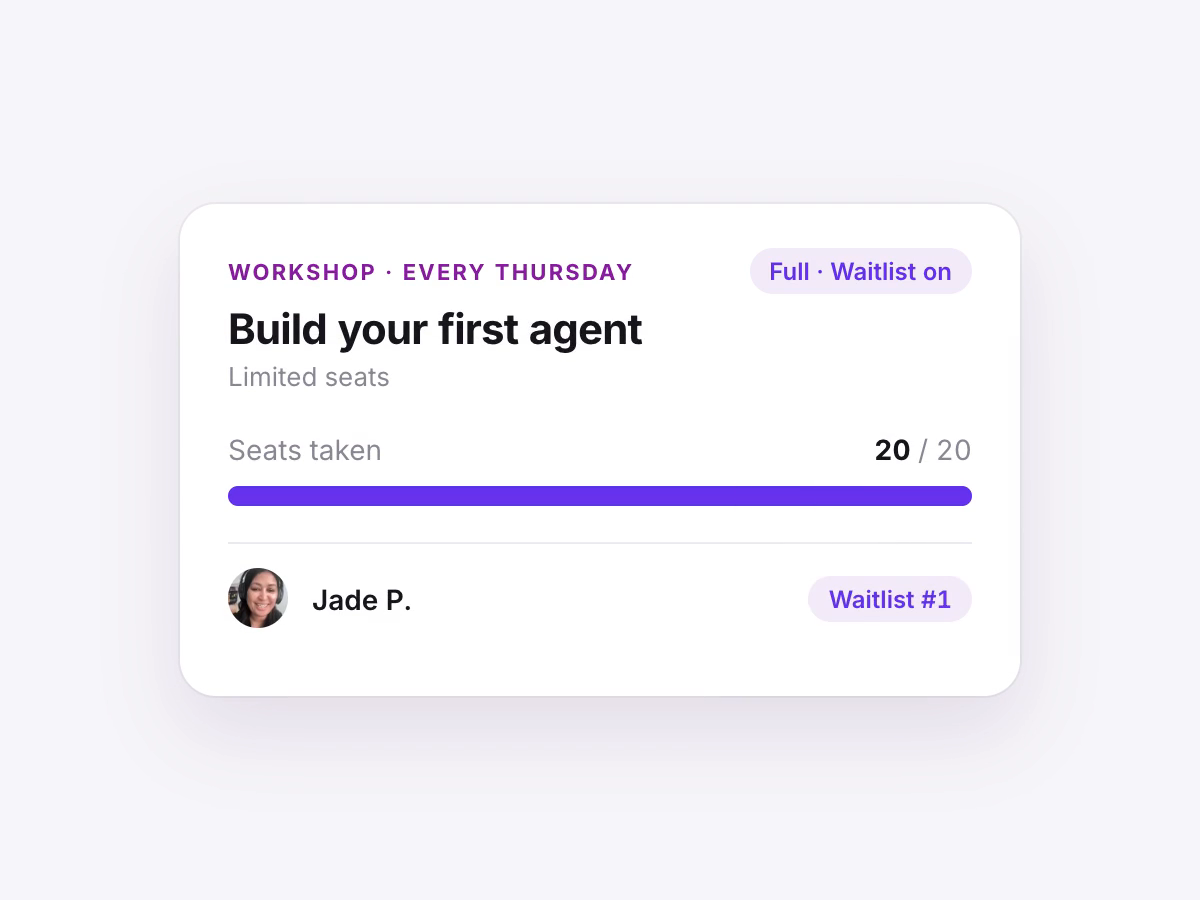
Weekly demos and office hours
Hold the same session on a set schedule, with approval and waitlists for workshops that have limited seats.
Demand gen
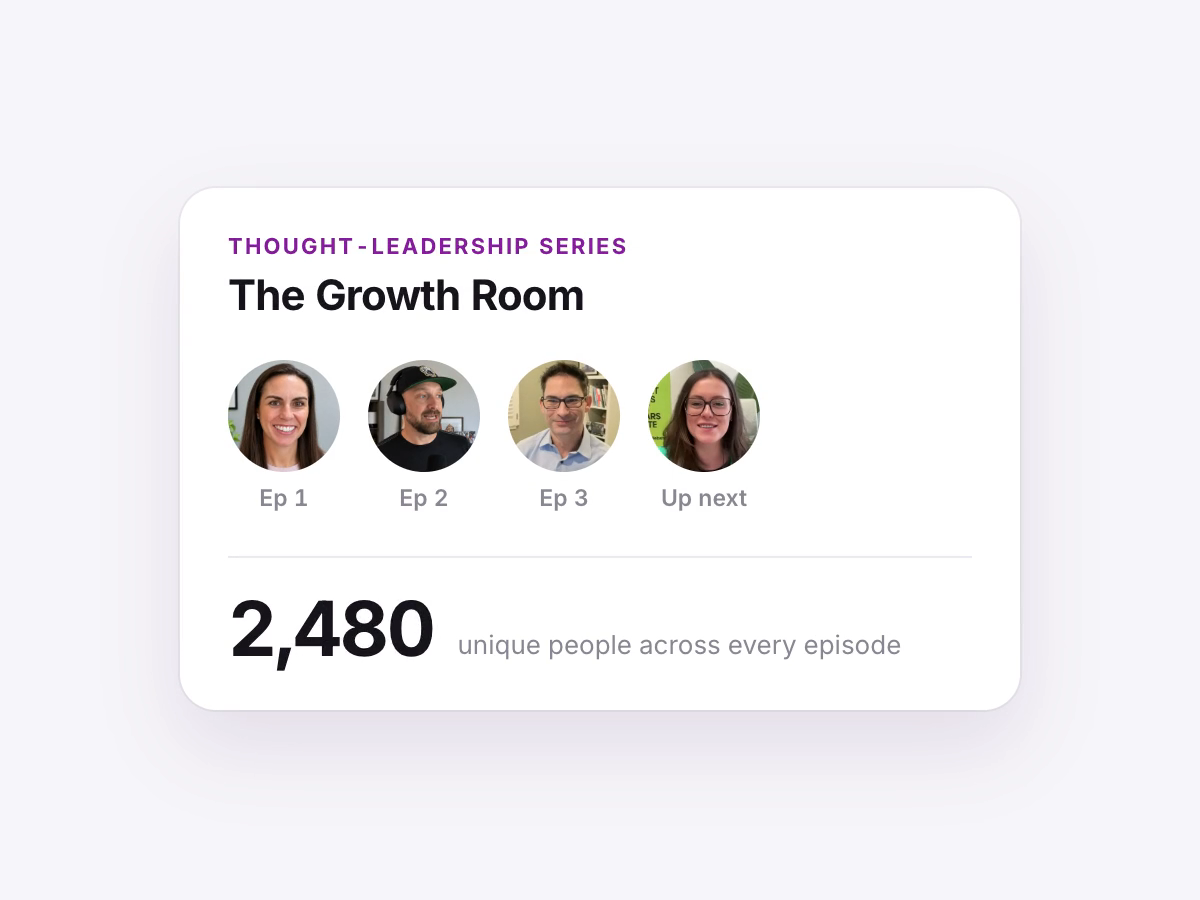
Thought-leadership series
Build a named program with guest speakers and grow one audience across every episode.
Community
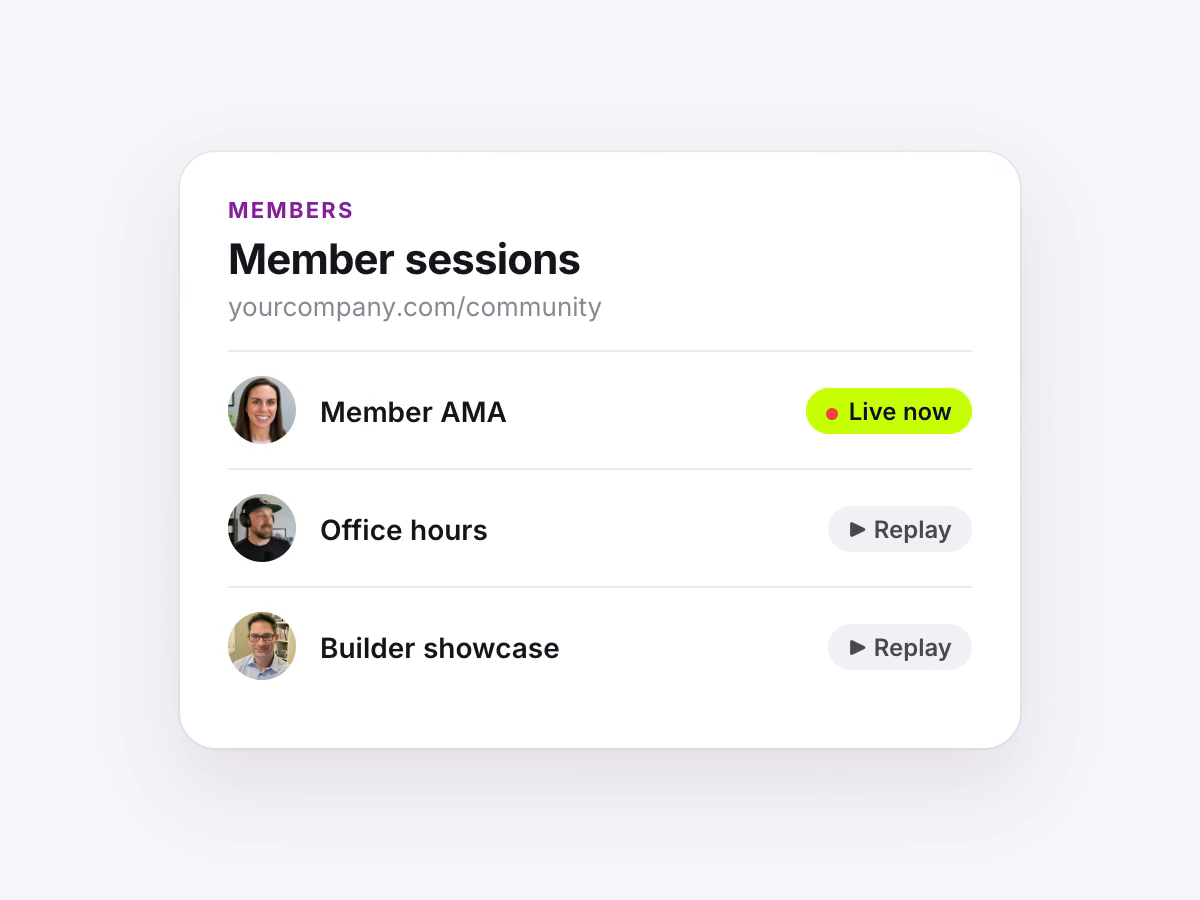
Member and community programs
Give members one page for every recurring session, live or on replay.
Updates
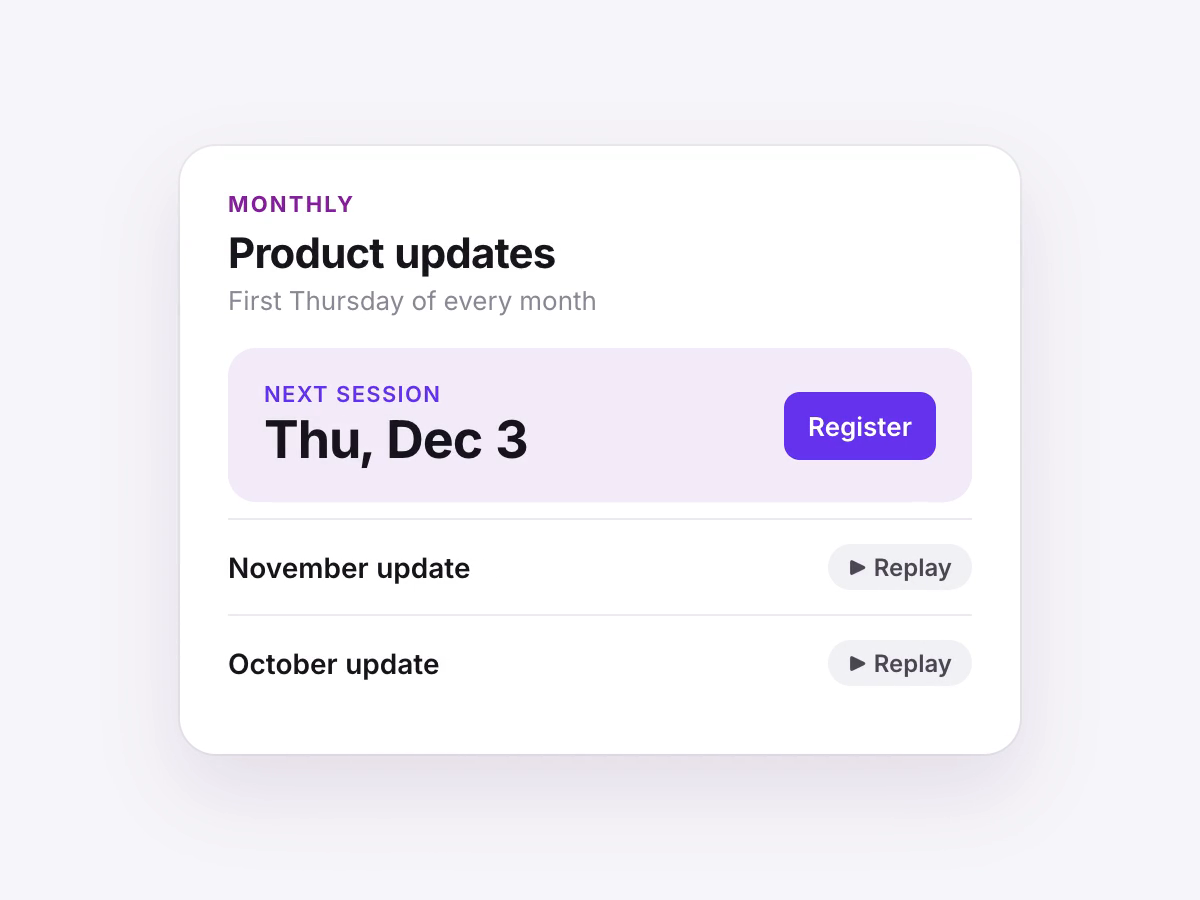
Monthly product and roadmap updates
Keep customers current with a standing monthly session that lives on your site.
Global
Sessions across time zones
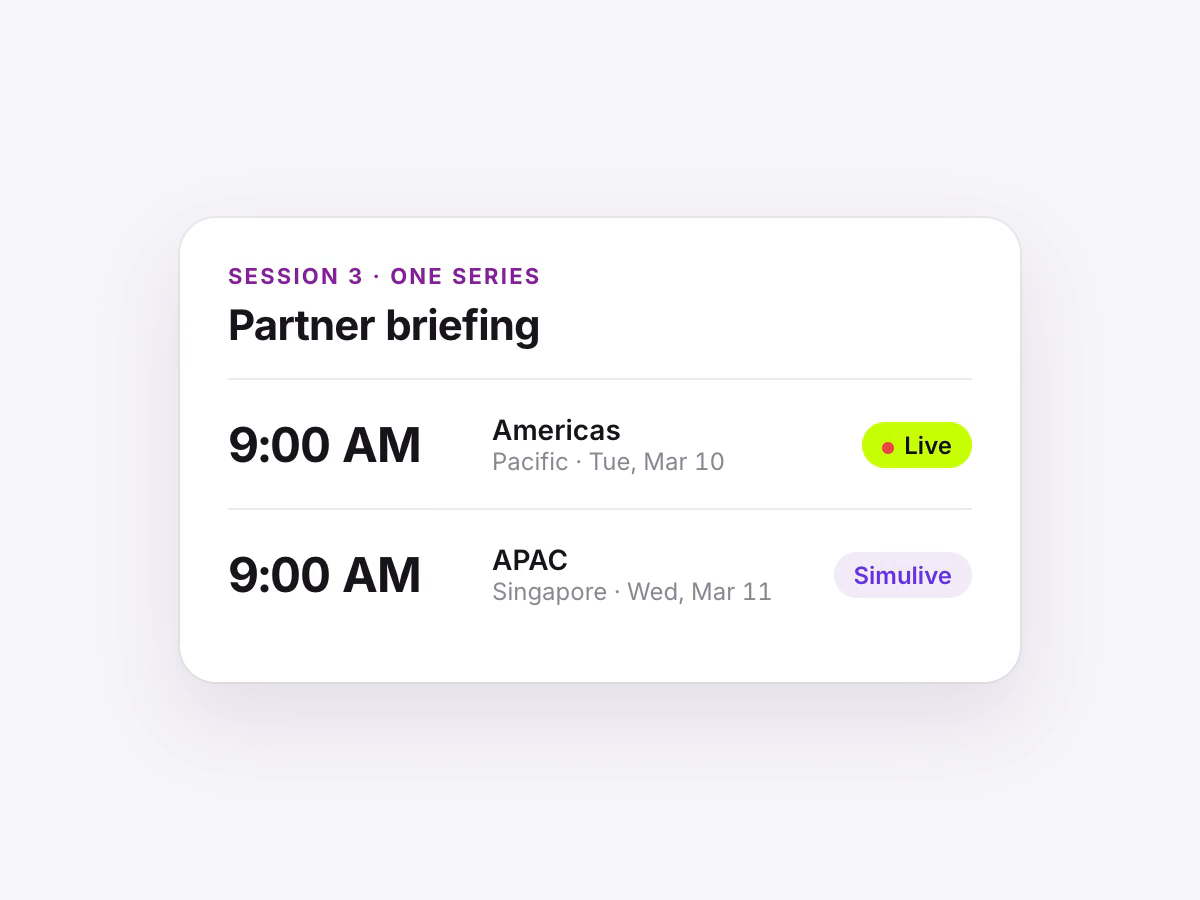
Pair a live session with a simulive repeat for another region inside the same series.