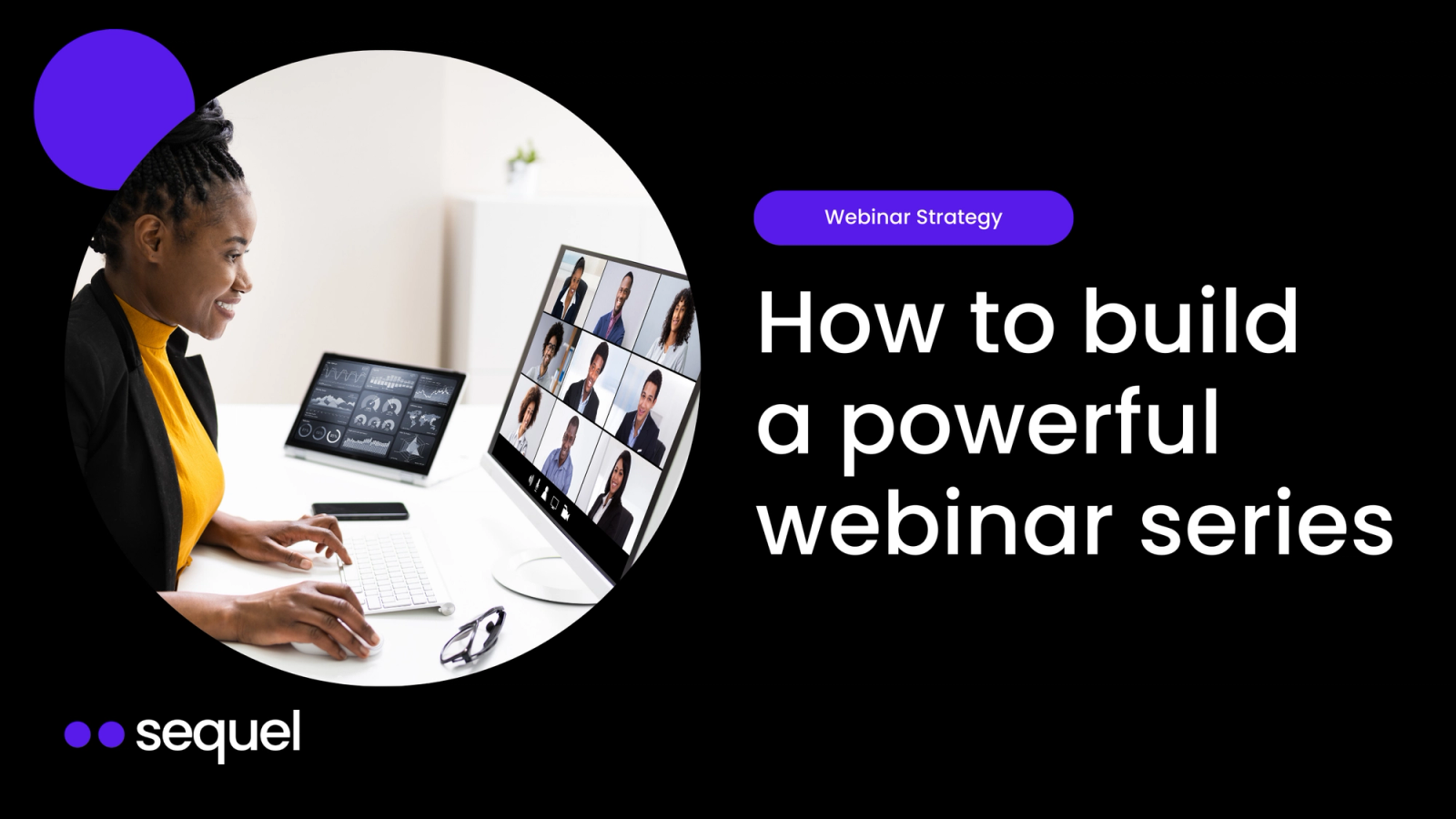
A webinar is a single event. A webinar series is a content engine.
The difference matters because the compounding returns of a series (growing subscriber lists, accumulating on-demand content, building audience habits, generating richer engagement data over time) are fundamentally different from the one-and-done dynamics of a standalone webinar.
If you already know how to run a webinar and you're here because you want to build a repeatable, episodic program that drives pipeline quarter after quarter, this guide is for you.
These are the seven steps, in the order that actually matters.
How to Build a Successful Webinar Series
Step 1: Choose Your Series Format and Cadence
Format Options
a. Interview show: One host, one guest, conversational. Low production overhead, easy to maintain weekly because you only need to find one guest per episode.
This is the format behind Sequel's own Game Changers series, which features marketing leaders from companies like 6sense, Calendly, Salesloft, and Amazon. The CMO Series follows the same format with C-level guests.
b. Masterclass / workshop: Deep-dive educational content, often product-adjacent. One Sequel customer runs a bi-weekly developer workshop series and found that 10% of their entire sales pipeline had at least one contact who engaged with the program, with a 58-59% engagement rate across live and on-demand viewers.
c. Product demo series: Recurring live demos aimed at prospects or new customers. One customer uses this format as a weekly demo with their solutions engineers, specifically targeting new users added to customer accounts.
Another customer described using the weekly demo format as low-pressure training for sales engineers: "You only got one or two people there, but like, whatever, go. It's a low risk versus the sales guys dragging a prospect in."
d. Customer roundtable: Small, invite-only sessions with existing customers. Higher engagement, lower volume. Works well for retention and expansion plays.
e. Product launch serie: Multiple sessions grouped around a single launch event. One customer runs 14 ongoing program-specific series, scheduled a full year in advance. Another ran a town hall series of 16 webinars in a single month during a major product transition.
For more format ideas with real proof points, see our guide to 6 modern webinar formats that actually convert.
Cadence
- Weekly works for interview-style shows and recurring demos where the production lift per episode is low. Sequel's Game Changers runs weekly. Apollo.io runs 8 webinars per week across their programs.
- Bi-weekly is the sweet spot for most B2B teams starting out. It gives you enough frequency to build audience habits without burning out your team. Multiple Sequel customers run bi-weekly programs, including enablement webinars and customer education series.
- Monthly works for higher-production formats like masterclasses or multi-speaker panels. One customer runs a "Free Training Friday" series at least once a month, sometimes twice, bringing in partners and industry thought leaders.
- Seasonal / quarterly works for product launch series. One customer runs a major product launch webinar event twice a year, grouping 10-15 feature announcements into a single series.
Step 2: Develop a Thematic Hook and Series Brand
Name It Like a Show, Not a Meeting
Good naming patterns for B2B:
- Aspirational identity: names that make the audience feel like they're part of something (e.g., Game Changers, LevelUp)
- Format-forward: names that set expectations for the experience (e.g., "The Teardown," "Office Hours," "CMO Conversations")
- Outcome-oriented: names that promise a specific result (e.g., "Pipeline Plays," "Revenue Roundtable")
Create a Repeatable Visual System
- A series logo or lockup that appears on every promotional asset
- An episode thumbnail template where you swap the guest photo and topic
- A consistent color palette and typography that's distinct from your main brand but complementary
- Social media templates for promotion and post-event clips
Cartaembedded on their website
Define the Overarching Narrative
Your thesis should connect to what your audience cares about, not what you sell. The product connection should be implicit, not explicit.
Step 3: Build a Scalable, Repeatable Production Process
The fix is a documented, time-boxed production process that runs the same way every time.
The T-Minus 14 Day Production Checklist
T-14 days: Confirm the episode
- Speaker confirmed and briefed on the format
- Topic finalized and aligned with your series theme
- Episode title and description written
T-10 days: Build the assets
- Episode thumbnail created from your template
- Promotional copy written (email, social, internal Slack)
- Landing page or series page updated (if your webinars are embedded on your website, this may be automatic)
- Registration form live and connected to your CRM
T-7 days: Start promotion
- Email to your subscriber list
- Social posts (at least 2 across the week)
- Speaker provided with promotional assets to share
- Internal Slack or Teams message to your team with the share link
T-3 days: Dry run
- Technical walkthrough with the speaker (15-20 minutes)
- Test audio, video, screen sharing, and any engagement features (polls, Q&A)
- Walk the speaker through the host controls so they're comfortable
T-1 day: Final reminders
- Automated reminder email to registrants (your platform should handle this)
- Confirm your moderator or Q&A manager is available
- Pre-load any polls you want to launch during the session
Day of: Go live
- Host and speaker join 10 minutes early
- Start the recording
- Open with the chat prompt ("Where are you joining from?")
- Launch polls at predetermined points in the conversation
- Monitor Q&A throughout and surface questions to the speaker
T+1 day: Post-production
- On-demand replay published (automatic if you use Sequel)
- Follow-up email sent to registrants (attended and no-show versions)
- Sequel AI Studio generates clips, blog post, social content, and transcript
- Episode added to your on-demand library
T+3 days: Distribution
- Social clips posted
- Blog post published
- Sales team notified of high-engagement attendees
Step 4: Centralize Your Series on Your Own Website
Most platforms host your events on their domain. Your attendees leave your site, watch the session on Zoom or Livestorm or whatever, and then they're gone. The on-demand replay lives on the platform's archive page, not yours.
That breaks the series model in three ways:
- You don't build a persistent destination: A series needs a "home base" that audiences can bookmark and return to. If that home base is a third-party platform, you don't control the experience or the URL.
- You lose the content SEO value: Every on-demand replay is a piece of content. If that content lives on someone else's domain, the traffic and authority go to them, not you.
- You can't track the full journey: When events live off-site, you can't see what attendees did on your website before the event or what they did after. You get registration and attendance data, but nothing about intent.
Sequel solves this by embedding the entire experience on your website. Registration, the live session, and the on-demand replay all live on your domain. Your series page becomes a permanent content hub that grows with every episode.
Through Audience Insights, you see the complete picture: which pages someone visited before the event, how they engaged during the session, and what they did after (pricing page visit, demo request, content download). That data flows into HubSpot, Salesforce, or Marketo in real time.
One customer described the advantage of the embedded model: "Having webinars hosted directly on our website has been a game-changer. It's seamless for attendees and drives much higher engagement."
Step 5: Drive Subscribers, Not Just Registrants
A standalone webinar has registrants. They sign up for one event, attend (or don't), and you follow up. The relationship is transactional.
A series has subscribers. They register once and get access to every future episode. The relationship is ongoing.
How the Subscription Model Works
One customer running a recurring webinar program described their setup: "Once people are added, they can sign up for sessions" within the series framework, creating a persistent audience that grows with every episode rather than starting from zero each time.
Promotion Strategies That Build a Subscriber Base
Your existing email list
Speaker amplification is the highest-leverage channel. Provide speakers with pre-written social posts, email copy, and the series registration link. When a respected guest promotes the series to their audience, those new subscribers see the full slate of upcoming episodes, not just the one featuring that speaker.
Website placement matters more for a series than for a one-off event. Add a persistent banner or CTA to high-traffic pages (blog, homepage, resource center) that links to your series page. Since the series lives on your website, this is an internal link that keeps traffic on your domain.
Partner co-promotion works well when your series features guests from partner companies. One customer described their approach: they bring in "a partner or an industry thought leader" for their monthly series and leverage the partner's audience for distribution.
Sales team activation turns your series into a pipeline tool. Give sellers the series registration link and encourage them to invite prospects from active deals. When a prospect attends three episodes of your series, that engagement data (visible in your CRM through the Audience Insights integration) tells the seller far more about intent than a single demo attendance would.
Step 6: Automate the Repurposing Engine
The problem with manual repurposing is that it doesn't scale. Clipping a recording, writing a blog post, pulling social quotes, and creating a transcript for one webinar takes hours of work. Multiply that by a weekly or bi-weekly cadence, and the repurposing backlog grows faster than any marketing team can handle.
Sequel AI Studio automates the full repurposing workflow. After every session, it generates:
- Short-form video clips with captions
- An SEO-optimized blog post draft
- Social media posts highlighting key takeaways
- A full transcript
- AI-dubbed multilingual versions of the recording
A single webinar can produce 10-15 derivative assets. Over a quarter of bi-weekly episodes, that's 60-90 pieces of content from 6 sessions, with minimal manual effort.
For the full repurposing playbook, see our guide on how to turn webinars into content.
Step 7: Map Engagement to the Sales Pipeline
Attendance tells you who showed up. Engagement tells you who cares. The difference between a registrant who attended for 3 minutes and one who stayed for 45 minutes, answered 2 polls, asked a question, and visited your pricing page after the session is enormous, but you can only see that difference if your platform tracks it.
What to Measure
Series-level metrics
- Total subscribers vs. total registrants (subscriber growth is the leading indicator of series health)
- Average attendance rate across episodes (are people coming back?)
- On-demand replay views (how much long-tail value is each episode generating?)
- Cumulative pipeline influenced (what percentage of your pipeline has at least one series engagement?)
Episode-level metrics:
- Live attendance rate
- Average watch time
- Engagement rate (polls, Q&A, chat activity)
- Post-event website behavior (pricing page visits, demo requests)
- CRM attribution (which opportunities had contacts who attended?)
Routing Engagement Data to Sales
Audience Insights scores engagement across the full journey and syncs it to your CRM in real time. Sales teams can filter by engagement level, see which topics resonated with each contact, and prioritize outreach based on behavioral signals rather than just attendance lists.
CaliberMind used this approach to influence $4M+ in pipeline from their webinar series. Sentry found that 10% of their total pipeline had at least one contact who engaged with their bi-weekly workshop series. The data was clear enough that they broke it down further: 6% of engaged contacts interacted during the opportunity lifecycle, and 4% engaged before the opportunity was even created.
That's the difference between "we run webinars" and "our webinar series influences 10% of our pipeline."
The Series Advantage
A webinar series is a compounding content engine. Every episode adds a subscriber, adds an on-demand replay to your content library, generates 10-15 derivative assets, and produces engagement data that gets richer with every session.
The teams seeing the biggest returns from webinars in 2026 are the ones treating them as episodic programs, not isolated events. Book a demo to see how Sequel's Event Series, Audience Insights, and AI Studio work together to power that model, or read the full-funnel webinar strategy guide for the complete playbook.
Frequently Asked Questions
What Is the Difference Between a Webinar and a Webinar Series?
A webinar is a single event with a one-time registration, one follow-up email, and one recording. A webinar series is an episodic program where audiences subscribe once and get access to every future episode. The series model compounds over time: your subscriber list grows, your on-demand content library expands, and engagement data gets richer with every session. Teams running series consistently report stronger pipeline influence than teams running isolated webinars.
How Often Should I Run a Webinar Series?
The right cadence depends on your format and team capacity. Weekly works for low-production formats like interview shows and recurring demos. Bi-weekly is the sweet spot for most B2B teams starting out because it builds audience habits without burning out your team. Monthly works for higher-production formats like masterclasses or multi-speaker panels. The most important thing is picking a cadence you can sustain for at least two quarters without skipping episodes.
Should I Run a Webinar Series Weekly or Monthly?
Weekly works when the format is conversational and the production lift per episode is low, like an interview with one guest or a recurring product demo. Monthly works when each episode requires significant preparation, multiple speakers, or heavy content development. If you are unsure, start bi-weekly. You can always increase frequency once you have the production process dialed in.
How Do I Get People to Subscribe to a Webinar Series Instead of Just One Episode?
Position the series as a subscription, not a single registration. Use language like "Join our bi-weekly workshop series" instead of "Register for our May 15th webinar." Use a platform that supports series-level registration so attendees can opt into all upcoming episodes with a single form submission. Then promote the full series through email, speaker amplification, website banners, partner co-promotion, and sales team outreach.
How Do I Keep a Webinar Series Consistent Without Burning Out My Team?
Build a repeatable production checklist and run the same process for every episode. A T-minus-14-day framework covers speaker confirmation, asset creation, promotion, dry run, and post-production in predictable stages. Templatize your visual assets so you are swapping a guest photo and topic, not redesigning from scratch. Automate reminder emails and content repurposing so the manual lift per episode stays low regardless of how many episodes you run.
How Do I Measure Whether My Webinar Series Is Working?
Track series-level metrics, not just episode-level metrics. Subscriber growth, average attendance rate across episodes, on-demand replay views, and cumulative pipeline influenced are the indicators that matter for a series. At the episode level, look at live attendance rate, average watch time, engagement rate, post-event website behavior, and CRM attribution. The goal is to connect engagement data to pipeline, not just count registrations.