SEO MetaData for Landing Pages
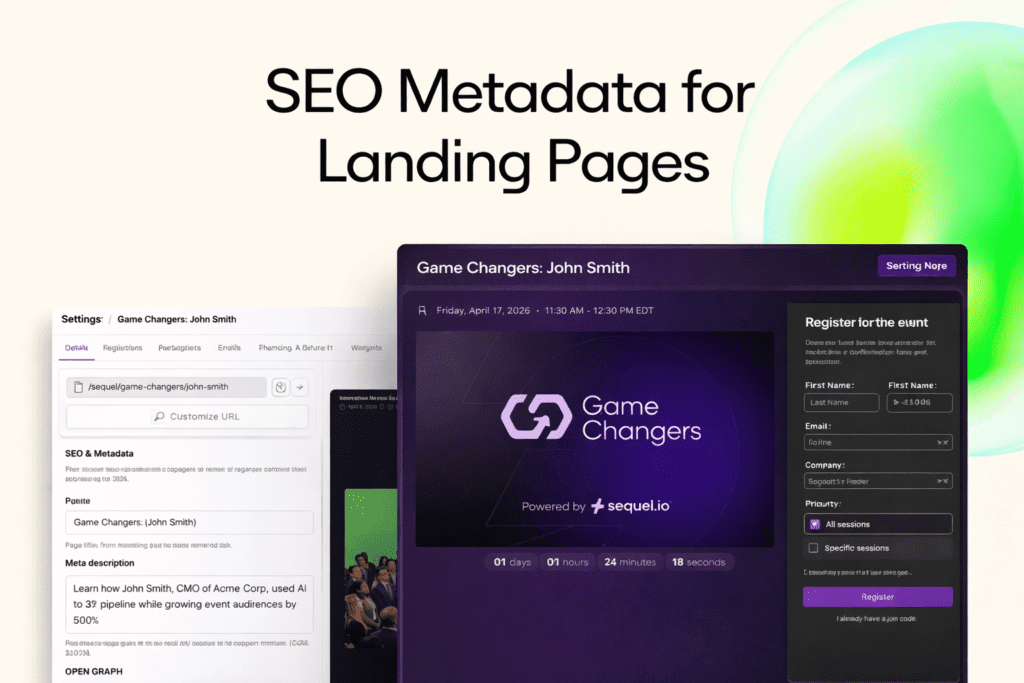
Your event page is doing more work than you think
Getting your virtual event set up on your website is just the start. Once it’s live, marketing teams turn their focus on driving traffic to their webinar and event pages via paid campaigns, email sends, social promotion, and partner distribution. But the first real moment of conversion doesn’t happen on the page itself. It happens before someone clicks.
- It’s the search result they see.
- It’s the preview in a Slack thread.
- It’s the LinkedIn card in their feed.
If you can’t control what your audience sees in that moment, you’re doing the work to generate demand, but losing impact at the first impression.
Most teams solve this in their CMS. But not every workflow lives there.
In an ideal setup, your event experience lives directly on your own website. This is the primary use case that Sequel was designed for, and it means your SEO metadata, page structure, and content are all managed natively in your CMS. That’s still the best way to run Sequel because it gives you full control and keeps everything aligned with the rest of your site.
But that’s not always how teams operate.
- Sometimes you need to move faster than your CMS allows.
- Sometimes you’re running a campaign that lives outside your core site.
- Sometimes you don’t have immediate access to make changes.
And in those moments, marketers rely on Sequel landing pages to get events live quickly.
Bring the same level of control to Sequel landing pages
Now, when you use Sequel landing pages, you can control how they appear across search engines and social platforms from directly inside Sequel. From the landing page settings, you can define:
- Page title and meta description for search
- Open Graph images and social preview content
- Twitter card details
All of it is applied from the first page load, so search engines and social platforms see exactly what you intend.
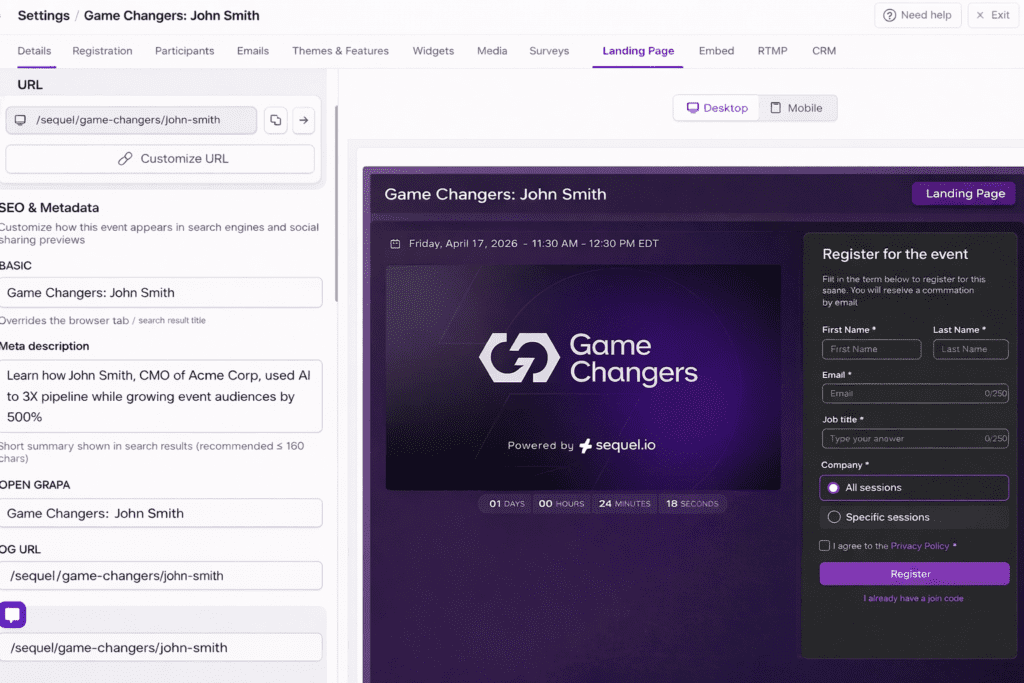
This ensures that even when your event page isn’t built inside your CMS, the experience is just as complete and polished. And because this still lives within Sequel, it connects directly to everything that happens next, so engagement, conversion, and audience data all stay unified on your site or landing page experience.
Getting started takes a few minutes
SEO metadata for landing pages is available directly within the existing Sequel landing pages interface. To access it, go to any event, open Landing Page settings, and add your page title, description, and social preview details. Once saved, those changes are immediately reflected when the page is indexed or shared – no additional setup required.
SEO metadata controls are available to all customers using Sequel landing pages. If you’re embedding Sequel on your own website, you’ll continue to manage metadata in your CMS as usual. If you’re using Sequel landing pages, this gives you the same level of control directly within Sequel.
👉 Book a demo to learn more about Sequel or explore SEO metadata for landing pages.