Live Sessions
With Sequel.io, live webinars stream directly on your website, offering hosts a full production suite and crystal-clear video and audio for any audience size.
With Sequel.io, the live webinar experience happens directly on your website, not a third-party platform. Hosts get access to a comprehensive production suite while our innovative video infrastructure ensures crystal-clear video and audio for events with audiences of any size.
Layout and Customization
Create a customized and visually appealing event space that reflects your brand. Adjust the appearance of the stage to fit the tone of your event with custom themes, colors, and fonts. Add visual elements to make your presentations stand out and keep the experience visually engaging for your audience.
Full Customization
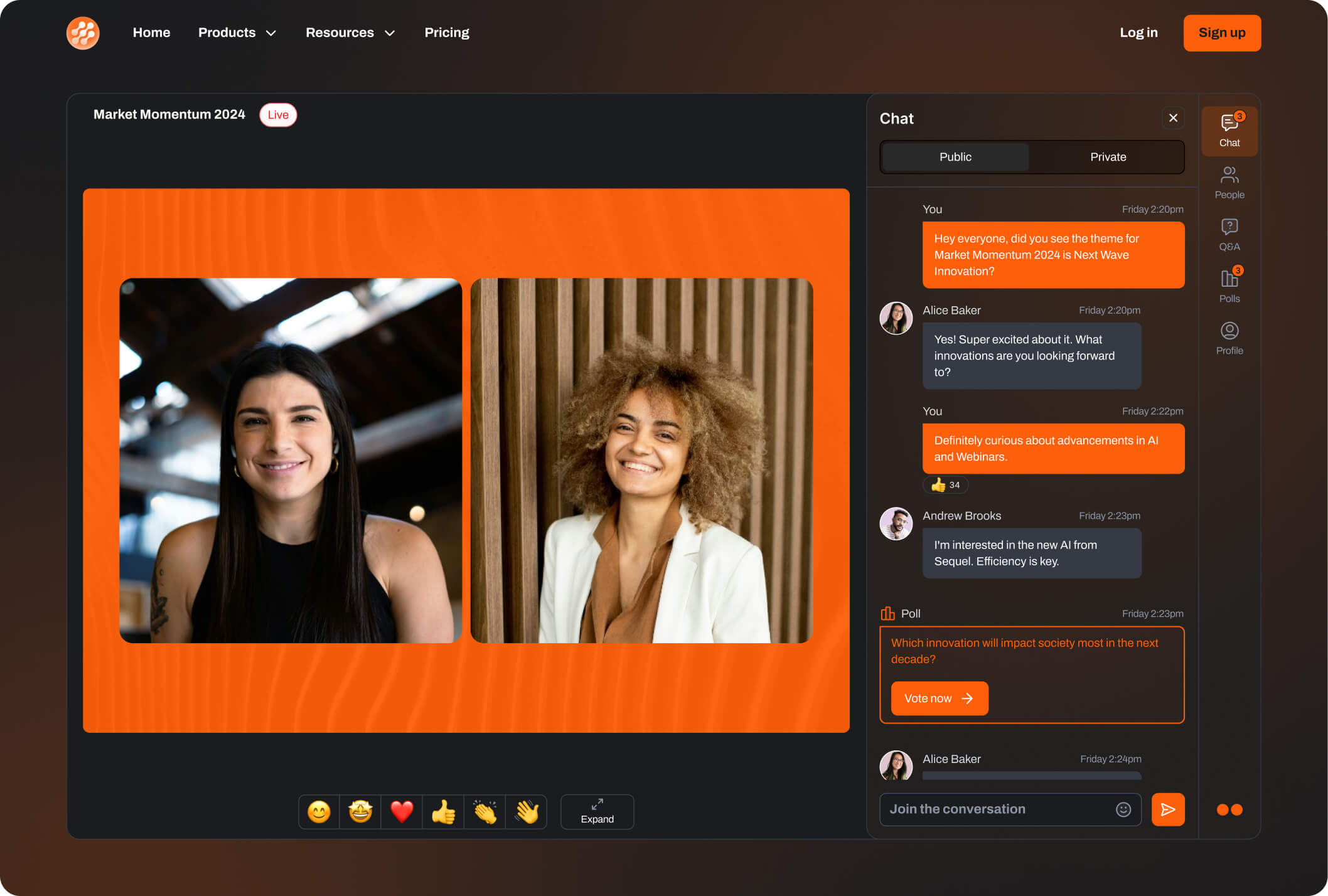
Customize the stage with light or dark modes, fonts, colors, and background images to match your website’s style.
Visual Overlays
Enhance presentations with lower thirds, full-screen images, and stage-wide PNG graphics to create a more polished and professional look.
Choose a demo theme:
Media and Playback
Incorporate rich media into your event for a more dynamic and engaging presentation. Upload videos and slides directly into the platform, ensuring smooth transitions and high-quality playback. Easily switch between different content layouts to fit the needs of your presentation, keeping the focus on the most important material.
Dynamic Layouts
Switch between single, split, grid, speaker and picture-in-picture — PiP keeps the presenter visible during screen sharing.
Media Playback
Assign uploaded videos to events and play them in Full HD, transitioning smoothly between video and live content — for intros, outros and recorded segments.
Native Slide Sharing
PDFs upload straight into Sequel as crisp 1080p slides, with presenters controlling the flow — solo or multi-presenter.
Simulive
Run pre-recorded video as a live session — no real-time hosting, and the audience still interacts as if it were live.
PowerPoint Integration
Present PowerPoint natively on stage with animations and speaker notes intact — high-resolution slides, no screen sharing. Built for product launches and executive sessions.

Choose a layout:
Audience Engagement
Increase audience interaction with a suite of tools designed to engage participants in real-time. Let attendees ask questions, vote in polls, or participate in breakout discussions to make your event more interactive. Use these engagement tools to gather valuable data and insights while keeping participants actively involved throughout the session.
Chat, Polls, and Q&A
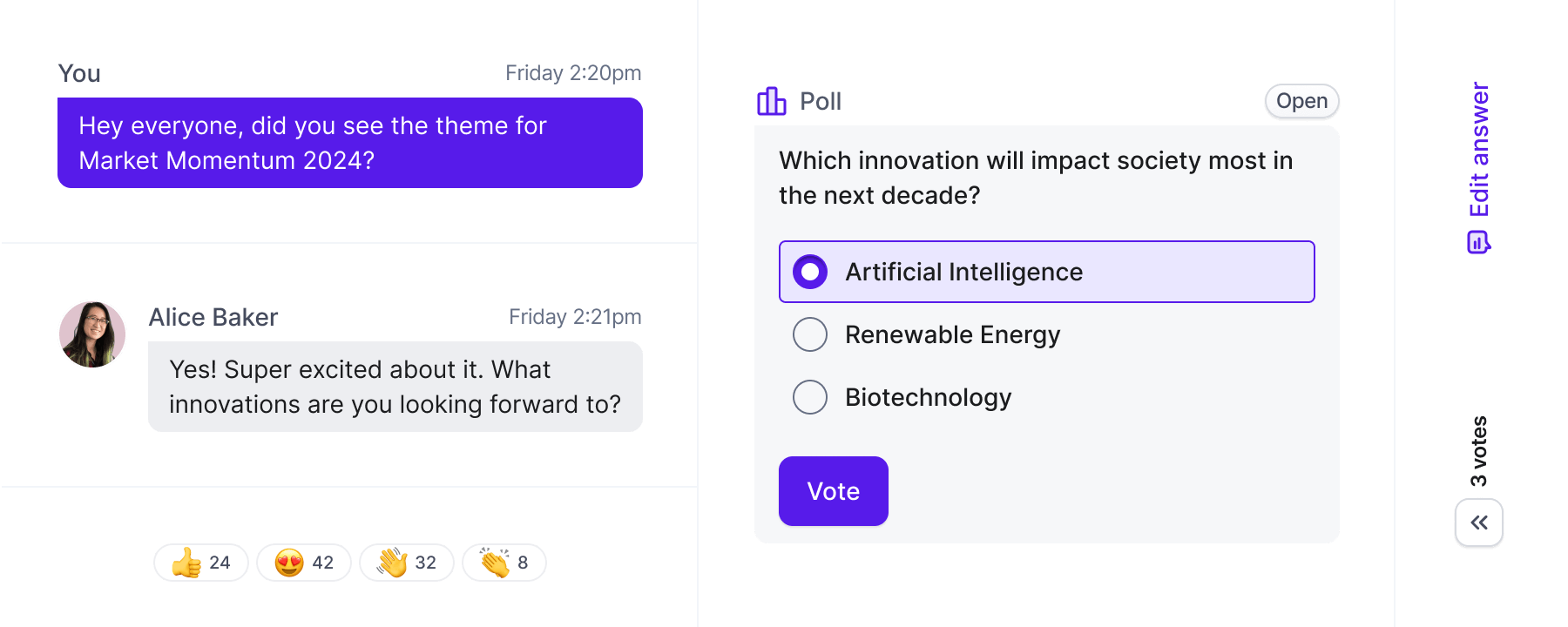
Interactive chat, polls and Q&A — schedule polls, hide or reveal results, let attendees upvote and filter questions, and send every engagement signal to your CRM.
CTAs (Calls to Action)
Trigger banners with your own title, subtitle and link, then save and reuse them across events.
Breakout Rooms
Open breakout rooms at any point for smaller discussions with audio and video, assign participants, and pull everyone back in one click.
Post-Event Surveys
A branded survey on stage as the event wraps, capturing sentiment and next-step intent while it is fresh — every response tied to the attendee, with no follow-up links or external tools.
AI Features
Harness the power of AI to enhance accessibility and content creation. Offer live translations in multiple languages to reach a global audience, and automate the recording process to create valuable content that can be repurposed after the event. Use AI tools to generate clips and other materials, extending the life and reach of your webinars.
AI-Powered Live Translations
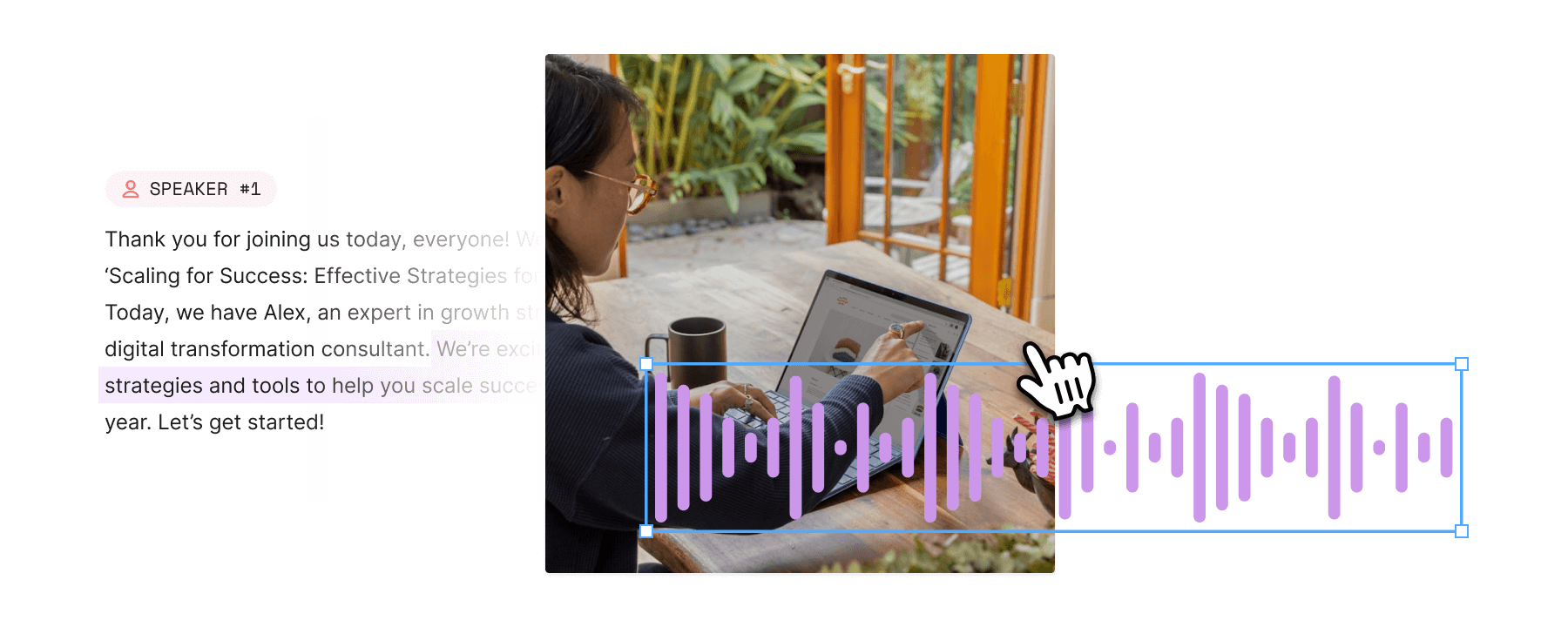
Provide real-time translation in up to 10 languages per session, with support for up to 100 languages. Audience members can select their preferred language with instant captions, making your event accessible to a wider audience.
AI Clips
Every session is automatically recorded in Full HD and available for immediate on-demand viewing. Use Sequel AI to create clips, blog posts, or social media content from recorded webinars, making post-event marketing simple and effective.
Stage Management
Ensure a smooth flow of your event by easily managing presenters and audience participation. With full control over who’s on and off stage, you can make transitions seamless and keep the experience professional and engaging. Invite audience members to join the stage when needed to create an interactive and dynamic atmosphere.
On/Off Stage Management
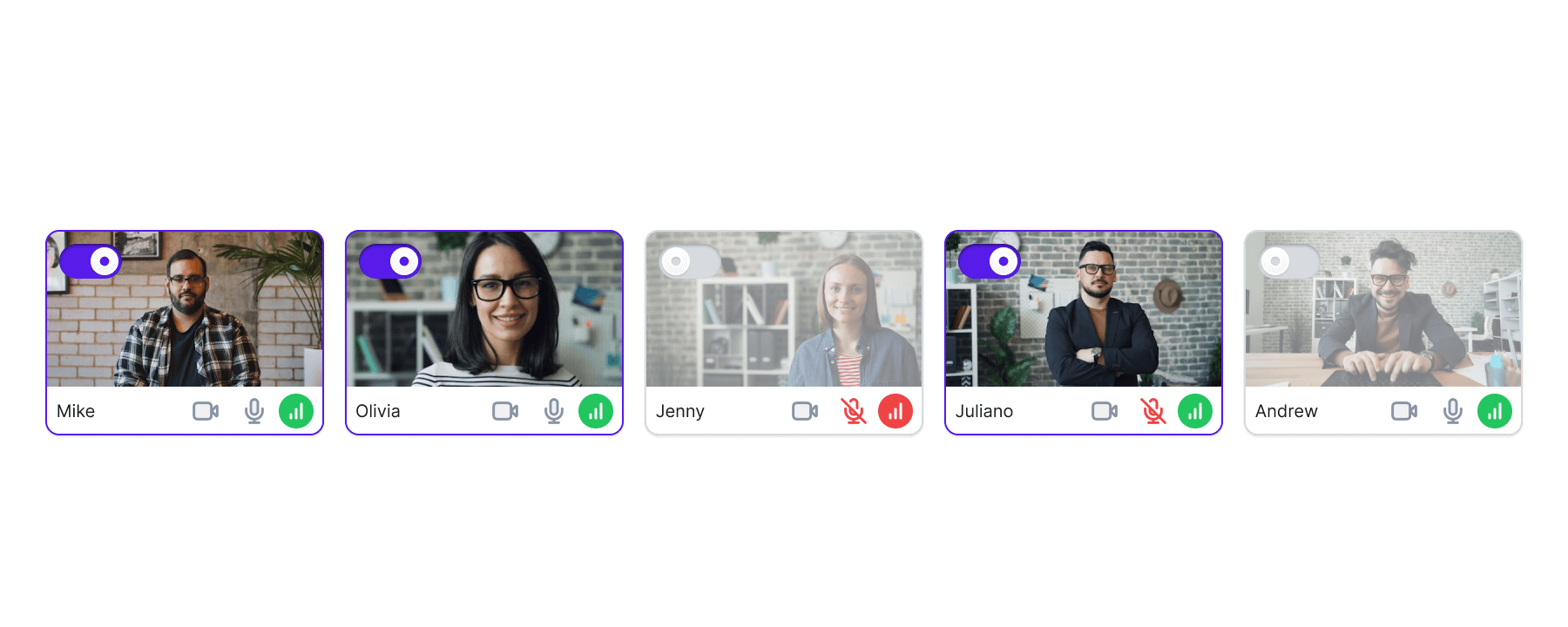
Seamlessly transition presenters on and off stage, queue them for later, and create smooth audience experiences.
Audience Promotion
Hosts can invite audience members to join the stage. Once accepted, participants appear off-stage, ready to be brought on stage at the host’s discretion.
Seamless Audience Experience
The audience can access your webinar with a single click, with no VPN or firewall issues. The platform supports all devices and browsers, and users can manually adjust video quality for slower internet connections.