5 Zoom Alternatives for B2B Marketing Teams (2026)
When it comes to internal meetings, Zoom is the default. It’s on every laptop, everyone knows how to use it, and when a marketing team needs to run their first webinar, Zoom Webinar is usually the path of least resistance.
The problem is that “path of least resistance” and “best tool for the job” are not the same thing.
Zoom was built for meetings, and Zoom Webinar was bolted on as a broadcast layer. Once a marketing team starts running webinars with real pipeline goals attached to them, the gaps become obvious fast.
Sequel has recorded 570+ sales and CS calls with B2B marketing teams, and Zoom is the most-mentioned competitor in the database (45+ mentions). The pattern in those conversations is remarkably consistent: teams start on Zoom because it’s easy, then outgrow it because the analytics are shallow, the CRM integration is fragile, the attendee experience is generic, and content repurposing is nonexistent.
Here’s what’s actually driving the switch, and which alternatives solve each problem.
Zoom Webinar vs. Zoom Meetings: A Quick Clarification
These are two different products, and confusing them creates real problems during evaluation.
Zoom Meetings is a collaborative, multi-directional video call. Everyone can turn on their camera, share their screen, and talk. It supports up to 1,000 participants and includes breakout rooms. This is the Zoom most people know.
Zoom Webinar is a one-to-many broadcast. Attendees join as view-only participants by default. They can submit questions through Q&A or chat, but they cannot unmute, share their screen, or turn on their camera unless the host explicitly promotes them to panelist. Zoom Webinar does not have breakout rooms. It supports up to 10,000 view-only attendees depending on your plan.
The confusion between these two products is a real issue. Multiple customers in Sequel’s call database mentioned that their attendees didn’t understand why they couldn’t turn on their cameras or why they were being prompted to test audio and video for a session where neither would be used.
One customer described the experience as attendees being “concerned about whether people can hear or see them when joining the webinar since they are prompted to test both inputs.”
If you’re evaluating Zoom Webinar specifically, the rest of this article is for you.
Why B2B Marketing Teams Outgrow Zoom Webinar
1. The Attendee Experience Is Generic
The most common complaint from teams switching away from Zoom Webinar isn’t a single broken feature. It’s that the experience looks and feels like every other Zoom call. Attendees join a Zoom window, see a Zoom interface, and have no sense that they’re interacting with your brand.
One company’s webinar team, after evaluating Sequel alongside Zoom, described what they were looking for: “something to really elevate our webinars and set us apart from all the other Zoom talking heads in the world.”
Another customer put the attendance impact in numbers: “We have 55% live attendance rates. Industry average is 25%, which is where Zoom tends to sit around.”
2. CRM Integration Is Manual and Fragile
Zoom Webinar connects to HubSpot and Salesforce, but the integration requires significant manual work. Multiple customers described the process of copy-pasting webinar IDs to get data into HubSpot, building separate landing pages in their marketing automation platform, and then reconciling registration data across two systems.
One of our client’s marketing lead described the pain point clearly: “The biggest pain points we had with our old way of doing it was it was with Zoom. We had to build a landing page in HubSpot. It was pretty manual to form in HubSpot, get it over to Zoom, the integration stuff there, back and forth.”
They switched to Sequel specifically because “having one page where you register, you attend, you have your post-registration information and then the cleaner integration with HubSpot and Salesforce was a big selling point.”
3. Polls and Engagement Tools Are Clunky
Zoom Webinar has polls and Q&A, but the implementation frustrates hosts. One customer noted that “Zoom doesn’t have a great polling feature. You have to do it ahead of time. It’s really annoying.” Another described that once you start a Zoom webinar, you can’t modify it: “If you create something in Zoom and you start it, you’re done. You can’t make it.”
Compared to purpose-built webinar platforms where polls and Q&A are woven into the live experience and can be launched on the fly, Zoom’s engagement tools feel like afterthoughts.
4. Content Repurposing Doesn’t Exist
Zoom Webinar gives you a recording file. That’s it.
There’s no automatic clip generation, no transcript, no social content, no blog post draft. Every piece of derivative content requires manual work: downloading the recording, editing it in a separate tool, writing copy around it, and publishing it to different channels.
For teams running multiple webinars per month, the operational cost of this gap adds up fast. The webinar happens, the recording sits on a drive somewhere, and the content never gets reused because nobody has time to process it manually.
5. No Website Embedding
Zoom Webinar lives on Zoom’s domain. Your attendees leave your website, join a Zoom window, and when the session ends, they’re gone. You lose the website traffic, you lose the SEO value, you lose visibility into what they did on your site before and after the event, and you lose the chance to put them in front of your pricing page, demo request form, or any other high-intent CTA.
This is the single biggest architectural limitation of Zoom Webinar for marketing teams that care about pipeline attribution.
The 5 Best Zoom Webinar Alternatives in 2026
1. Sequel
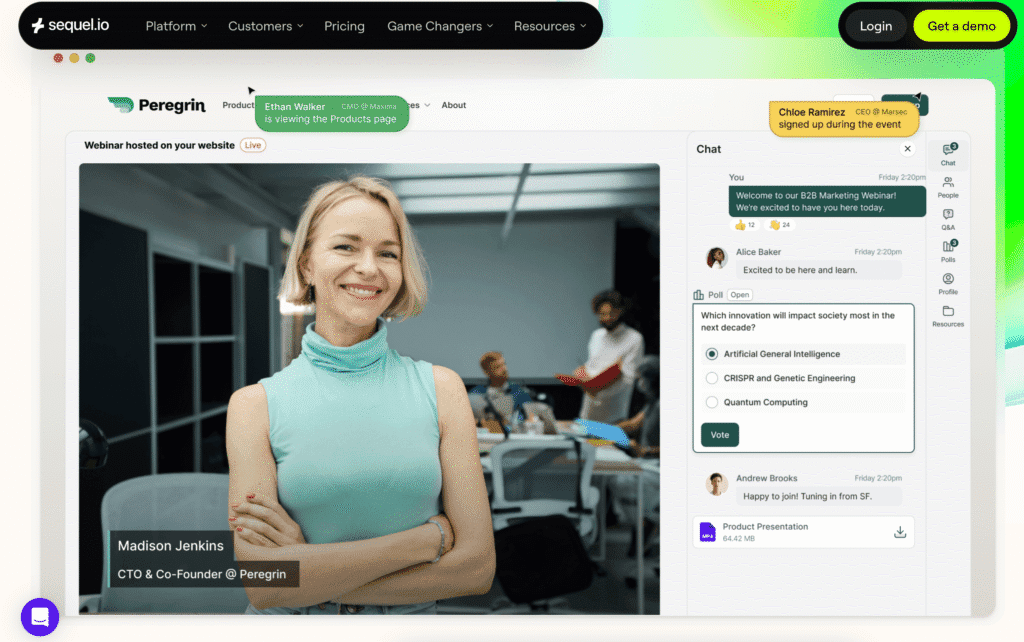
Sequel is the strongest alternative for B2B marketing teams that want their webinars to drive measurable pipeline, not just attendance numbers.
What makes it different: Sequel is the only webinar platform that embeds natively on your website. Registration, the live session, and the on-demand replay all happen on your domain. Attendees never leave your site, which means your SEO value stays with you, your website analytics capture the full journey, and your audience is surrounded by your product pages, pricing, and CTAs throughout the experience.
Where Zoom falls short and Sequel delivers:
Audience Insights tracks what attendees did on your website before the event, how they engaged during the session, and what they did afterward (pricing page visits, demo requests, content downloads). That full behavioral picture syncs to HubSpot, Salesforce, or Marketo in real time. Zoom gives you a registration list and an attendance report. The gap in actionable data is enormous.
Sequel AI Studio automatically generates clips, blog posts, social content, transcripts, and multilingual versions from every session. This is included in the platform. Zoom offers a recording file and nothing else.
What customers who switched from Zoom say:
DebtBook’s marketing team described the switch as eliminating “a lot of manual work” and praised the unified registration-to-attendance-to-CRM flow as “a big selling point.”
Datadog’s team, after running a proof of concept on both platforms, called Sequel “a much better audience experience” compared to Zoom.
Field Guide’s onboarding lead was more blunt: “Using Zoom Events before was just traumatic.”
AirOps evaluated Sequel after years on Zoom and recognized the gap immediately: “You do solve a lot of the problems that I haven’t really thought about. There’s a lot of friction here. We’re a growing company, so it probably is time to up our game.”
Customer results on Sequel:
- Apollo.io runs 8 webinars per week on Sequel with a 500% increase in product adoption
- Sentry’s developer workshop program found that 10% of their entire sales pipeline had at least one contact who engaged with the series
- CaliberMind’s webinar series influenced more than $4M in pipeline from 300+ unique attendees
- One customer reported a 42x ROI, generating $1.7M in pipeline from 2,000 hours of audience engagement
Pricing: Growth, Business, and Enterprise tiers. Book a demo for current pricing.
2. Livestorm
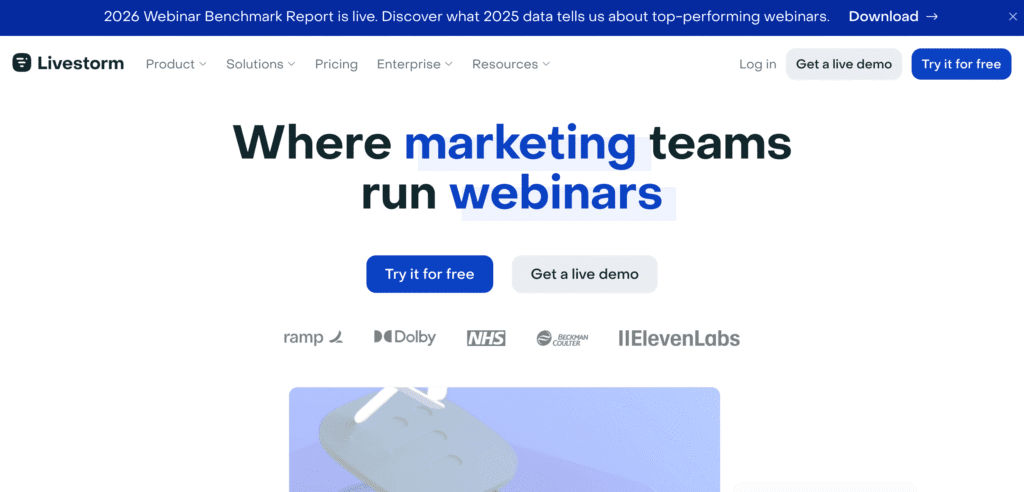
Best for: Teams that want a browser-based, zero-download webinar experience with fast setup and reasonable pricing.
Livestorm is the closest thing to Zoom’s simplicity while fixing several of Zoom’s biggest pain points. It’s entirely browser-based (no app download), the interface is clean, and setup is fast for recurring webinar programs. Integrations with HubSpot and Salesforce work out of the box without the manual workarounds Zoom requires.
Where it falls short:
Events still live on Livestorm’s domain, not yours. You lose the same website traffic, SEO value, and full-journey analytics that you lose with Zoom. Content repurposing is limited compared to Sequel. Livestorm has a strong European footprint, which can be helpful if your audience is EMEA-heavy, but the platform doesn’t differentiate much on analytics or pipeline attribution.
Pricing: Free plan available. Pro starting at approximately $79/month. Business and Enterprise tiers with custom pricing.
3. Airmeet
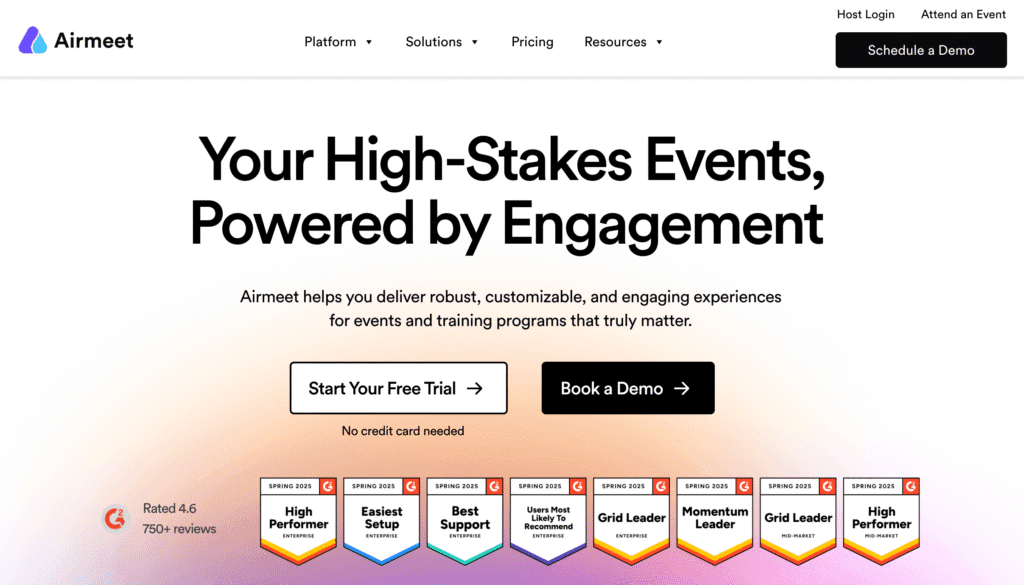
Best for: Teams running virtual events that emphasize networking and community, not just one-to-many broadcasts.
Airmeet’s differentiator is its networking functionality. Virtual tables, speed networking sessions, and social lounges let attendees interact with each other in ways that Zoom Webinar simply doesn’t support. If your webinar strategy includes elements of community building or if you run multi-session virtual conferences, Airmeet handles the interactive format better than most alternatives.
Where it falls short:
Like Zoom and Livestorm, events live on Airmeet’s domain. The platform skews toward event-heavy use cases (conferences, summits, town halls) and can feel heavy for teams running simple weekly or bi-weekly marketing webinars. CRM integrations exist but are less mature than Sequel’s or Livestorm’s. AI content repurposing is not a core strength.
Pricing: Custom pricing. Free tier available for smaller events.
4. Cvent (now includes ON24 and Goldcast)
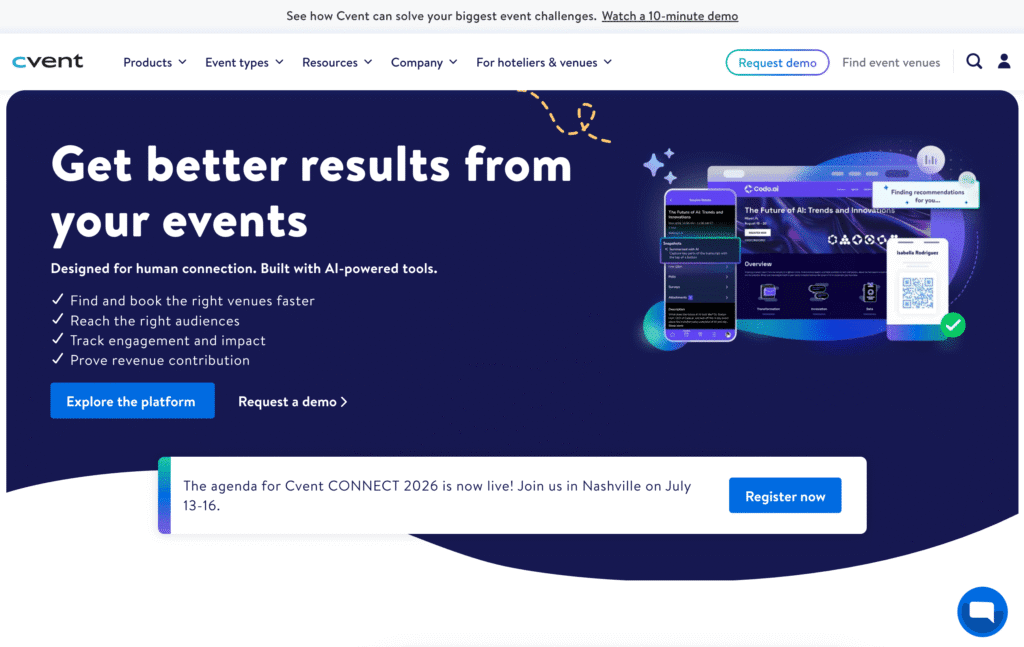
Best for: Large enterprises that want a single vendor for in-person, virtual, and hybrid events and are comfortable with integration risk.
Cvent completed its $400 million acquisition of ON24 in April 2026, two months after acquiring Goldcast. The combined portfolio is the widest in the market: Cvent handles in-person event management, ON24 adds enterprise webinar infrastructure, and Goldcast adds AI-powered content repurposing.
Where it falls short:
Cvent is integrating three acquisitions simultaneously with no public timeline for unification. If you’re looking for a Zoom alternative because Zoom is too clunky and enterprise-heavy, Cvent is moving in the opposite direction. Multiple customers in Sequel’s database described anxiety about the Cvent acquisition pattern: acquire, consolidate, raise prices. This is the most expensive option in the category and carries meaningful platform risk.
Pricing: Enterprise-level. Not published.
5. GoToWebinar
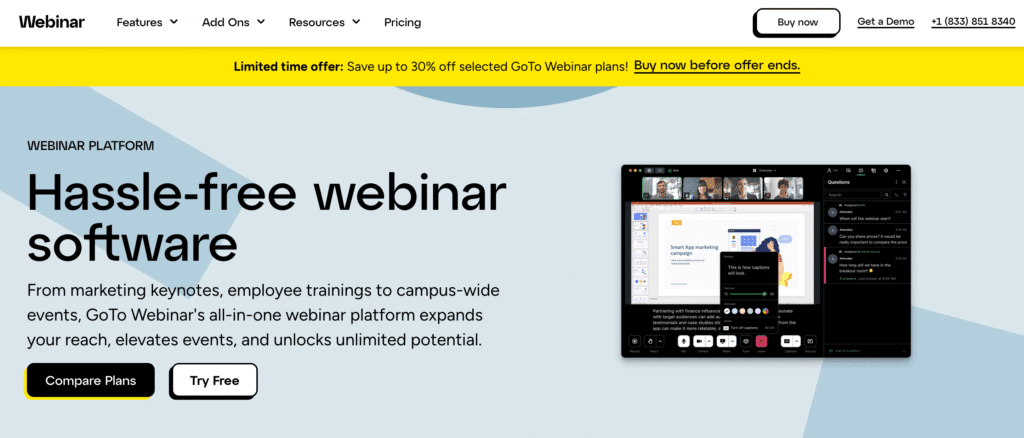
Best for: Teams that need a Zoom-like experience with slightly better webinar-specific features and don’t want to change their workflow dramatically.
GoToWebinar has been around for over a decade and offers a familiar experience for teams coming from Zoom. Registration management, automated reminders, and basic analytics are more purpose-built for webinars than Zoom’s equivalents. It works for high-volume, straightforward broadcasts.
Where it falls short:
The platform has not evolved meaningfully in years. The UI feels dated compared to modern alternatives. There’s no website embedding, no AI content repurposing, and analytics are basic. CRM integration quality varies. If you’re leaving Zoom because it feels stale and you want a more modern experience, GoToWebinar isn’t a significant upgrade. Multiple Capterra reviewers in 2026 cited audio and video reliability issues as reasons for switching away.
Pricing: Starts at approximately $49/month for up to 250 attendees. Higher tiers available for larger events.
Quick Comparison
| Criteria | Sequel | Livestorm | Airmeet | Cvent (ON24 + Goldcast) | GoToWebinar |
|---|---|---|---|---|---|
| Website embedding | Native, no-code | No | No | No | No |
| Full-journey analytics | Pre/during/post event | Basic | Basic | ON24 engagement scoring | Basic |
| AI content repurposing | Included (AI Studio) | Basic | Limited | Goldcast AI (separate product) | No |
| CRM integration | HubSpot, Salesforce, Marketo (real-time) | HubSpot, Salesforce, Zapier | HubSpot, Salesforce | HubSpot, Salesforce, Marketo, Eloqua | HubSpot, Salesforce |
| Browser-based (no download) | Yes | Yes | Yes | Varies by product | Recommends download |
| Networking features | Breakout rooms | Basic | Virtual tables, speed networking | ON24 engagement hub | No |
| Independent company | Yes | Yes | Yes | No (PE-backed consolidation) | Yes (GoTo) |
| G2 satisfaction | 98.25% | ~90% | ~91% | ~88% (ON24) | ~88% |
The Bottom Line
Zoom Webinar works for teams running simple broadcasts who don’t need deep analytics, pipeline attribution, or content repurposing. If your webinar program is a box to check rather than a growth channel, Zoom will get the job done.
But if you’re running webinars to generate pipeline, the limitations stack up fast. No website embedding means you’re sending traffic away from your site. No full-journey analytics means you can’t connect webinar engagement to revenue. No AI content repurposing means every webinar is a one-time event instead of a content engine.
Sequel is the strongest alternative for teams that want webinars to drive measurable business results. See how companies like Sentry and CaliberMind are using embedded webinars to influence millions in pipeline, or read the full-funnel webinar strategy guide to see how the approach works end to end.
Book a demo to see how Sequel works for teams migrating from Zoom.
Frequently Asked Questions
What is the difference between Zoom Meetings and Zoom Webinar?
Zoom Meetings is a collaborative video call where all participants can turn on their cameras, share screens, and speak. It supports up to 1,000 participants and includes breakout rooms. Zoom Webinar is a one-to-many broadcast where attendees join as view-only by default. They can submit questions through Q&A or chat but cannot unmute or share their screen unless promoted to panelist. Zoom Webinar does not include breakout rooms and supports up to 10,000 view-only attendees depending on the plan.
Why are B2B marketing teams switching away from Zoom Webinar?
The most common reasons are shallow analytics that don’t connect to pipeline, manual and fragile CRM integrations (particularly with HubSpot and Salesforce), a generic attendee experience that looks like every other Zoom call, and no built-in content repurposing tools. Teams that run webinars as a growth channel rather than a checkbox consistently report outgrowing Zoom once their program scales beyond a few sessions per month.
Can Zoom Webinar embed on my website?
No. Zoom Webinar sessions live on Zoom’s domain. Attendees leave your website to join a Zoom window, and when the session ends, they’re gone. You lose the website traffic, the SEO value, and visibility into what attendees did on your site before and after the event. Sequel is the only webinar platform that embeds natively on your website, keeping the entire experience on your domain.
Which Zoom Webinar alternative has the best CRM integration?
Sequel offers real-time, native integrations with HubSpot, Salesforce, and Marketo that sync registration, attendance, engagement scores, and post-event website behavior automatically. Multiple teams switching from Zoom cited the manual registration-to-CRM workflow as their primary pain point, with one marketing lead describing the HubSpot-to-Zoom process as requiring a separate landing page, a separate form, and manual data reconciliation between the two systems.
What is the best Zoom Webinar alternative for pipeline attribution?
Sequel is the strongest option for teams that need to connect webinar engagement directly to revenue. Because events embed on your website, Sequel’s Audience Insights tracks pre-event website behavior, in-session engagement, and post-event actions like pricing page visits and demo requests. That full behavioral picture syncs to your CRM in real time. Zoom Webinar provides a registration list and attendance report but no visibility into what attendees did before or after the session.
How much does Zoom Webinar cost compared to alternatives?
Zoom Webinar starts at approximately $79/month for up to 500 attendees and scales up with larger capacity tiers. GoToWebinar starts at approximately $49/month for up to 250 attendees. Livestorm offers a free tier with paid plans starting around $79/month. Sequel offers Growth, Business, and Enterprise tiers with pricing that typically competes favorably against Zoom Webinar, especially when factoring in the AI content repurposing tools and CRM integrations that are included in the platform rather than requiring separate tools.