In Person Tab
B2B marketing teams are running more in-person events than ever. Executive dinners. Roadshows. User groups. Regional meetups.
But most teams are trying to manage those programs inside platforms designed primarily for webinars.
The result is friction.
In-person events and virtual events collide in the same workspace. Field teams need access but shouldn’t touch webinar programs. Analytics get blended. Templates get reused incorrectly. Admin permissions become risky.
As event programs scale, this becomes less of a tooling issue and more of an operational one. That’s why we built the In-Person Events Tab.
Who This Is For
The In-Person Events Tab is built for teams running both virtual and physical events who need clearer ownership and cleaner workflows. This is especially relevant for:
- Field and Regional Marketing teams running in-person programs
- Demand Generation teams managing webinars and virtual series in parallel
- Marketing Operations teams responsible for access, data quality, and reporting
- Marketing leaders who need clean visibility into how different event motions perform
If your team runs webinars and in-person events at the same time, this update is for you.
A Cleaner Way to Run Field Events in Sequel
Until now, most event platforms treated in-person events as just another event type. That creates real problems in practice:
- In-person and virtual events live in the same workspace
- Field teams need access but should not see or edit webinars
- Emails and landing pages are reused without validation for in-person use
- Analytics mix virtual attendance with physical attendance
- Permissions become all-or-nothing
The cost is real. More setup errors. More duplicated work. Less confidence in reporting. More time spent managing access instead of running programs.
Teams don’t need more features. They need separation with consistency.
The Sequel Solution
The In-Person Events Tab introduces a dedicated workspace for in-person events inside Sequel. Instead of mixing physical and virtual events together, Sequel now gives each motion its own place to live.
- In-person events live in their own tab
- They have their own admins, emails, and landing pages
- Virtual events and series remain unchanged
- Integrations and data stay connected
Because Sequel operates on your website and feeds into the same data layer, this separation improves clarity without breaking attribution or analytics. It’s a structural change designed to make event programs easier to run at scale.
What You Can Do With the In-Person Events Tab
Keep in-person and virtual events separate
Run field events without interfering with webinars, series, or virtual programs.
Assign in-person-only admins
Invite field teams and regional marketers to manage in-person events without exposing virtual events.
Use emails and landing pages built for physical events
In-person events have their own validated email and landing page flows, including support for QR codes and on-site check-in needs.
Reuse assets without rebuilding
Clone email and landing page templates between virtual and in-person modes to maintain brand consistency and save time.
Keep integrations consistent
CRM and marketing automation integrations work the same way across both modes, so data stays unified.
Set clear expectations by mode
In-person events intentionally do not include Sequel AI or Media Hub, keeping each mode focused on its core use case.
Real-World Use Cases
Field Marketing Teams
Run executive dinners or regional meetups in a workspace built just for in-person events, without risking webinar programs.
Demand Generation Teams
Continue running webinars and series without noise from physical events in analytics and reporting.
Marketing Operations
Set cleaner permissions, reduce access risk, and keep event data easier to manage and audit.
Sales and Revenue Teams
Get clearer signals around which pipeline is influenced by in-person events versus virtual programs.
Marketing Leadership
Report on event performance by format with confidence, not blended data.
How to Access and Use It
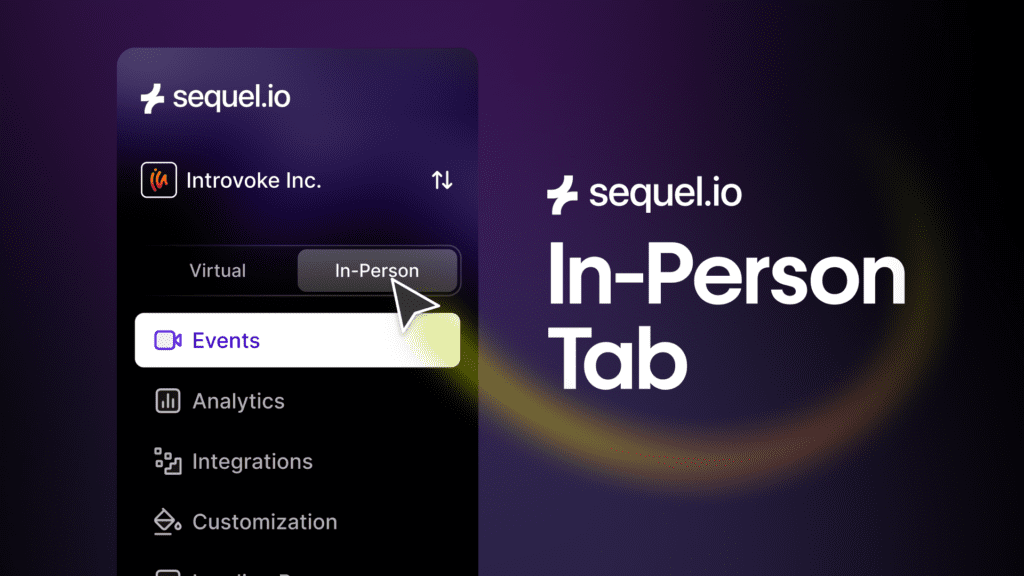
The In-Person Events Tab is now live in the Sequel platform. You can find it by switching between Virtual and In-Person modes in the Events section. From there, you can:
- Create and manage in-person events
- Invite in-person-only admins
- Build emails and landing pages specific to physical events
- Track in-person attendance separately from virtual events
No migration is required for existing virtual events.
Plans, Packaging, and Availability
- Growth and Business plans will see the In-Person Events Tab
- Growth plans can create one in-person event
- Additional in-person events are available as an add on by contacting the Sequel team
- Business and Enterprise plans support expanded in-person usage
If you are a Sequel customer and you’re unsure what’s included in your plan, your Customer Success Manager can help.
What’s Next
The In-Person Events Tab is not about adding new event functionality. It’s about making in-person events easier to manage, safer to scale, and clearer to measure. If your team runs both virtual and physical events, this update helps you do that with less friction and more confidence.
This release is part of a broader effort to make Sequel easier to operate across different event motions. By giving in-person events their own workspace today, we’re laying the groundwork for cleaner analytics, smarter personalization, and more flexible team access in the future. It’s a foundational step toward a more organized, revenue-aware event platform.
👉 Book a demo to learn more about using Sequel to support in-person events.