Embeddable Widgets
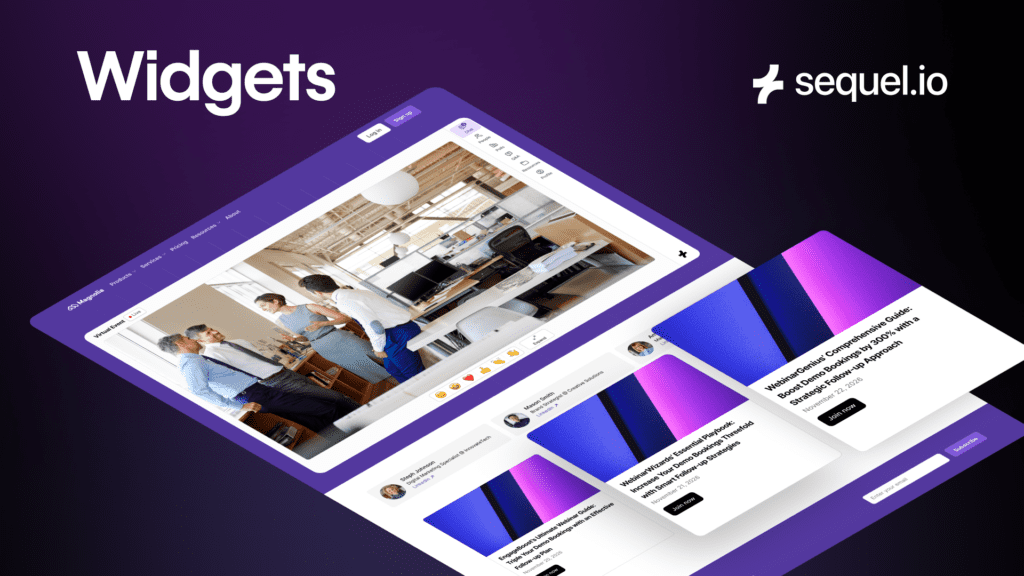
A Faster Way to Build High-Converting Event Pages on Your Website
Running webinars on your own website is already a major advantage. You control the brand, the data, and the experience end to end. That’s exactly why teams choose Sequel.
But as webinar programs scale, another challenge shows up: building and maintaining great event pages quickly.
Marketers want their event pages to clearly highlight speakers, agendas, and what makes an event worth attending. They want pages that feel complete and compelling. Today, doing that often means manual page work, CMS updates, or pulling in a web team for changes that should be simple.
Widgets are designed to remove that friction.
Built for Marketing Teams
Widgets are built for teams that run events regularly and care about speed, consistency, and conversion, including:
- Demand Generation teams running high-volume webinar programs
- Marketing Operations teams responsible for templates, governance, and efficiency
- Event and Content marketers who frequently update speakers and agendas
- CMOs and marketing leaders who want polished, on-brand experiences without bottlenecks
If your team already runs webinars on your website with Sequel and wants to launch faster without sacrificing quality, this is for you.
The Problem This Solves
Most marketers already know how to create strong event pages. The issue is how much effort it takes.
Today, adding things like speaker sections, agendas, or countdown timers usually requires some combination of the following:
- Custom page sections built in the CMS
- Repeating the same layout work for every event
- Involving a web or dev team for small updates
- Manually enforcing brand consistency
Over time, this slows teams down. Events take longer to launch, small changes get delayed, and marketers spend time managing logistics instead of improving performance.
The cost is not just time. It is missed opportunities to make events feel more compelling and convert better.
Why Widgets?
Widgets give marketers a simple way to customize and optimize their event pages directly inside Sequel.
Instead of rebuilding page elements for every event, teams can easily create modular widget layouts in the Sequel backend. Those layouts define what appears on the page, how it looks, and how it stays on brand.
When an event changes, such as adding new speakers or updating the agenda, the page updates automatically. No CMS edits. No web tickets. No extra steps.
Widgets build on Sequel’s owned-site architecture. They’re fully modular and live alongside your embedded webinar experience, inheriting your approved branding by default. The result is faster workflows and more consistent event pages.
What You Can Do With Widgets
With Widgets, you can:
- Create reusable event page layouts: Design a layout once and apply it across multiple events without rebuilding pages.
- Automatically showcase speakers: Speaker widgets update as speakers are added to an event, without manual edits.
- Highlight agendas and event details: Present agendas and context clearly to help visitors understand the value of attending.
- Add countdowns and announcements: Create urgency and keep visitors informed about what’s coming next.
- Keep everything on brand: Widgets inherit approved fonts, colors, and themes automatically.
- Launch without web team involvement: Marketers control the experience directly from Sequel using an intuitive, drag and drop editor.
Each widget type is designed to reduce manual work while improving the quality and effectiveness of your event pages.
How to Access and Use Widgets
Widgets live inside the Sequel platform. You can create widget layouts from the Widgets section in your workspace.
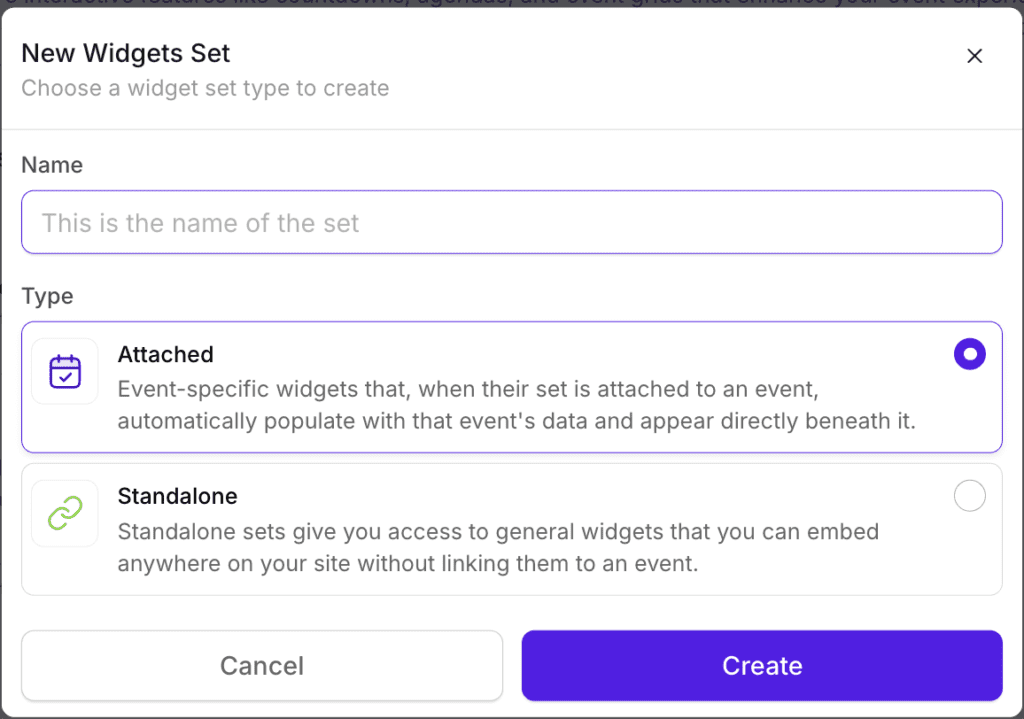
Choose from four types of widgets:
-
Event Grid
-
Speaker Grid
-
Countdown
-
Event Description
(“Intelligent Widgets” coming soon)
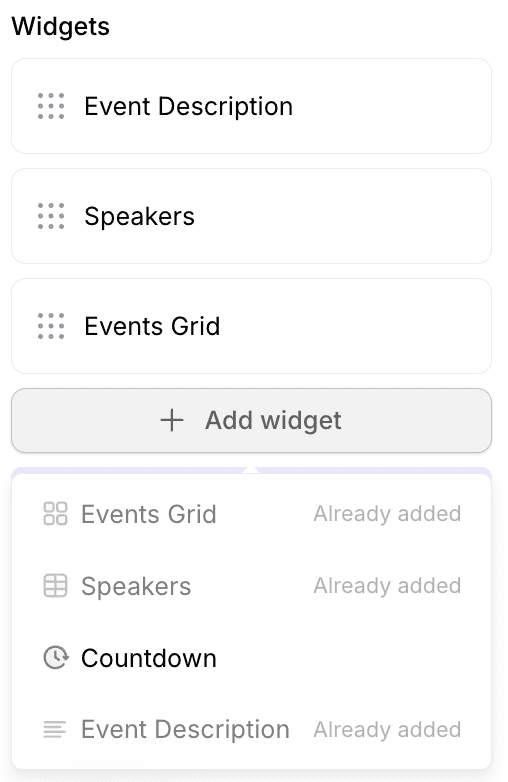
Once a layout is set up, you can assign it to any event from the event settings.
From there, Sequel automatically injects the selected widgets into the event page on your website. As event details change, the page updates automatically, without any additional work required.
Widgets are now available to Sequel customers and we will continue to add additional widget types over time.
Plans, Packaging, and Availability
Widgets are available as add-ons for customers on Sequel Business and Enterprise plans. If you are unsure what’s included for your account, your Customer Success Manager can help.
If you are interested but not currently on a plan that includes Widgets, the Sales team can walk through options.
What’s Next
Widgets make it easier to do what great marketers already want to do: launch faster, stay on brand, and create event pages that feel complete and compelling.
If you’re already using Sequel, Widgets help you get more out of your event program with less effort. If you’re evaluating Sequel, they’re another example of how owned-site delivery gives marketers more control without more work.
You can explore Widgets in your Sequel account or reach out to your Sequel team to learn more.
👉 Book a demo to learn more about Sequel.