Cancel & Postpone Events
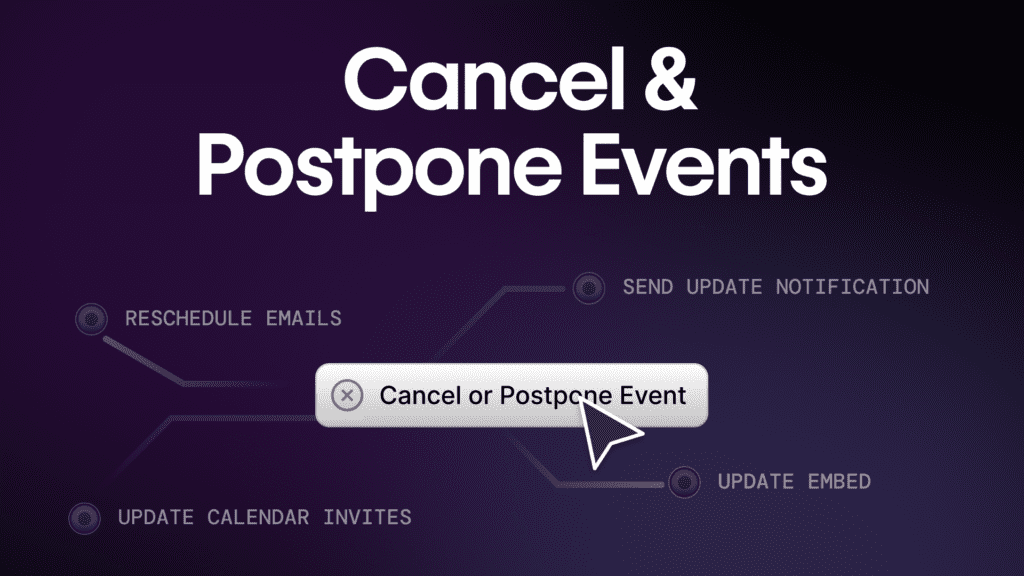
Introducing event cancellation (and postponement) with automatic attendee communication — a cleaner, more reliable way to handle event changes on your website
Why This Matters
Events are a core part of how modern B2B teams engage buyers. But not every event goes as planned. Speakers cancel. Priorities shift. Timing changes. And when an event needs to be canceled or postponed, most teams are left scrambling to fix the fallout.
The problem is not just operational. It is about trust, clarity, and data integrity. When cancellations are handled poorly, attendees get confused, brands look uncoordinated, and downstream reporting becomes unreliable.
That is why we have made event cancellation a first-class, owned-site experience in Sequel.
Now, cancellation of an event in Sequel removes the event’s calendar hold and sends out an email communication of the cancellation to registrants.
Who This Is For
This update is especially relevant for:
- Demand Generation teams running frequent webinars or event programs
- Marketing Operations leaders responsible for clean data and reliable workflows
- Field and Event Marketing teams managing live, hybrid, or in-person events
- CMOs and marketing leaders focused on brand credibility and experience
- Customer Success and Sales teams who rely on accurate event context for follow-up
If events are part of your growth motion, this feature is built for you.
The Problem This Solves
In most event platforms, canceling an event is an afterthought. Teams often have to:
- Manually send emails from a separate tool
- Update or remove landing pages by hand
- Hope attendees see the message in time
- Deal with broken embeds or outdated pages still live on the site
- Clean up reporting after the fact
The result is a fragmented experience. Attendees are confused. Internal teams are unsure what data can be trusted. And marketing loses confidence in its own reporting.
This is especially painful when events live off-site, disconnected from the website and the rest of the customer journey.
The Sequel Solution
Sequel treats cancellation as part of the event experience, not a cleanup task.
With this release, canceling an event in Sequel does three things automatically:
- Updates the event state across your owned-site experience
- Notifies all registrants with a clear cancellation email
- Preserves clean data across calendars, analytics, and CRM systems
Because Sequel events live directly on your website, the experience stays consistent. There are no stale pages, no conflicting messages, and no guesswork for attendees or internal teams.
This fits directly into Sequel’s broader platform approach:
- Events run on your domain
- Communication stays aligned with the experience
- Audience and engagement data remain reliable
Key Capabilities
One-click event cancellation
- Cancel a virtual, in-person, or event series session directly from the event dashboard.
- Why it matters: teams can act quickly and confidently without manual work.
Automatic attendee email communication
- All registrants receive a cancellation email as soon as the event is canceled and the event’s calendar hold is removed.
- Why it matters: attendees get timely, consistent communication without extra effort.
Customizable cancellation emails
- Teams on Business plans and above can fully customize cancellation emails using Sequel’s drag-and-drop email editor.
- Why it matters: even difficult moments stay on-brand and professional.
Clear on-site event status
- Canceled events display a clear “event has been cancelled” message directly in the embedded experience.
- Why it matters: no one lands on a misleading or broken page.
Data and workflow protection
- Once canceled, events cannot be reopened or modified.
- Why it matters: reporting stays clean and downstream systems stay accurate.
Real-World Use Cases
Demand Gen
A webinar underperforms on registration. The team cancels early, attendees are notified immediately, and trust is preserved for the next event.
Marketing Operations
An event is canceled and all calendar holds, event states, and reporting remain consistent without manual cleanup.
Field Marketing
A speaker conflict forces a last-minute cancellation. Attendees see a clear message on the event page, an automatically updated calendar invitaiton, and receive an email without confusion.
Sales Teams
Reps know an event was canceled and do not follow up with incorrect assumptions about attendance or engagement.
Customer Success
Customers are informed clearly and professionally, reducing support tickets and frustration.
How to Access and Use It
Event cancellation is available directly in the Sequel admin dashboard. To cancel an event:
- Navigate to the event you want to cancel
- Confirm your cancellation email content
- Select “Cancel” (just to the right of the event name)

Sequel automatically handles attendee communication and updates the on-site experience. No additional setup is required.
Plans, Packaging, and Availability
- Event cancellation is included in all Sequel plans
- Cancellation emails are sent automatically for all customers
- Advanced email customization is available on Business plans and above
If you are unsure which plan you are on, your Customer Success Manager can help.
What This Unlocks
Event plans change. Your credibility should not suffer when they do.
With built-in event cancellation and automatic attendee communication, Sequel helps teams handle change clearly, professionally, and without operational chaos.
If you are already running events in Sequel, this is available now. If you want to see how owned-site events create more reliable engagement and data, we are happy to walk you through it.
👉 Book a demo to learn more about Sequel.