Sequel AI Studio
For years, marketers have tried to turn webinars into content, but the tools simply haven’t kept up.
Cloud recordings are low-quality and unpredictable. Editing requires multiple tools and manual work. Repurposing workflows are disconnected from how video is actually captured. And even with AI, the output is only as strong as the recording you feed it.
Sequel AI Studio changes that.
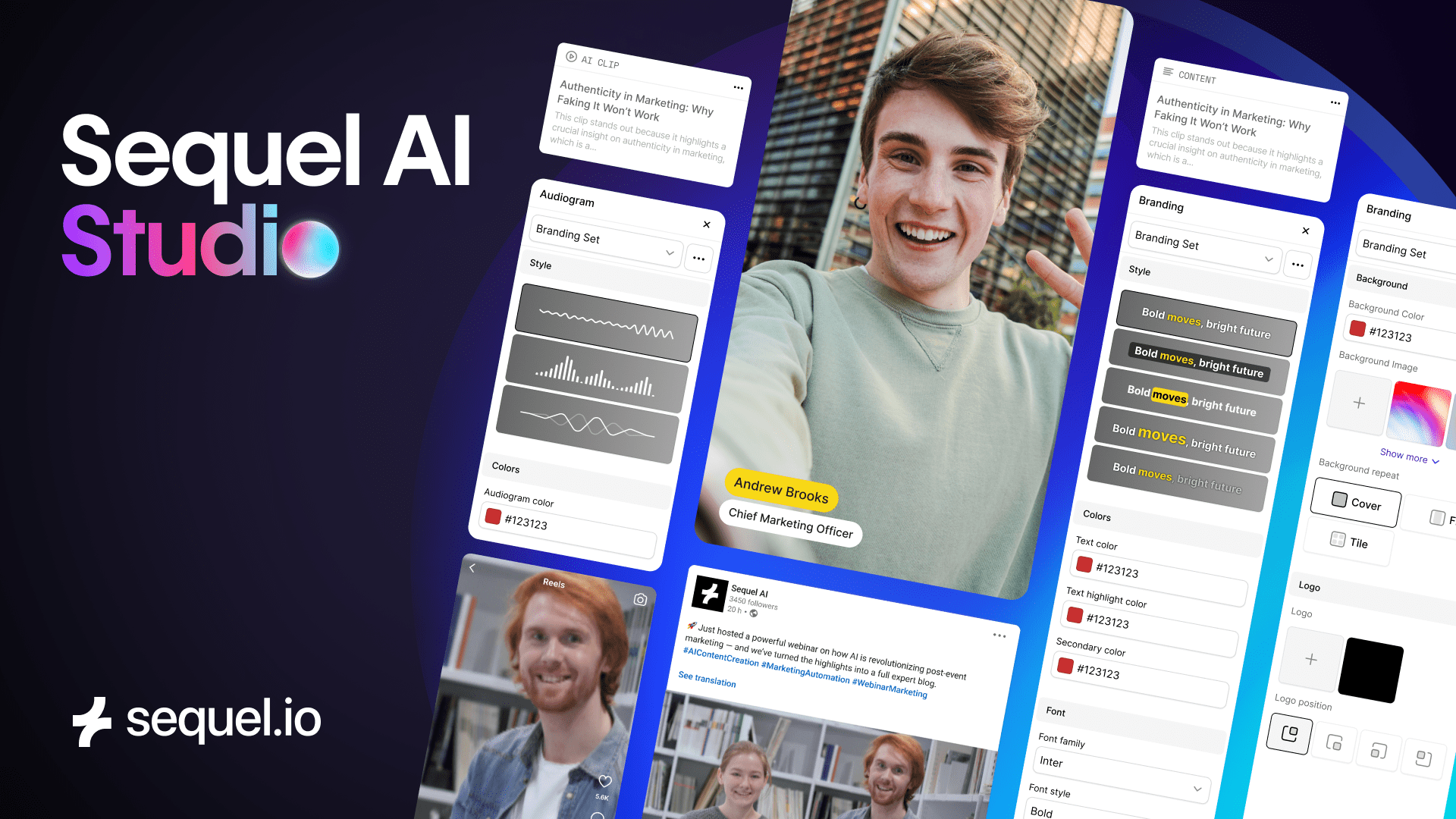
Today, we’re introducing a fully integrated video workspace that combines HD local recordings, intelligent editing controls, branded layouts, lower thirds, and AI repurposing — all inside Sequel.
This update transforms Sequel into a true end-to-end content engine, helping marketing teams turn every event into high-impact clips, campaigns, and sales assets in minutes.
Let’s dive into what’s new.
🌟 Start With Perfect Source Video: Local Recordings for Every Presenter
Last quarter, we introduced HD Local Recordings – a major upgrade that captures every presenter directly on their device in full resolution, independent of their internet connection.
This means:
- No glitches
- No compression
- No lag or pixelation
- Clear, consistent audio
- True HD source files built for AI and editing
AI Studio is built on this foundation.
When your inputs are perfect, everything else, from AI clips to transcripts to repurposed content, looks dramatically better.
🎥 A Full Editing Workspace, Built Directly Into Sequel
No more downloading giant cloud files.
No more juggling editors, converters, brand templates, or design tools.
AI Studio gives you precise editing control right where your video already lives — inside Sequel.
New editing tools are now available:
✔ Speaker Assignment
Ensure the correct local recording is shown at the right moment, even if the live layout wasn’t perfect.
✔ Zoom, Crop & Aspect Ratio Controls
Reframe for any channel: 16:9 for YouTube, 9:16 for TikTok/Reels, 1:1 for LinkedIn.
✔ Brand-Ready Layouts
Choose from Single, Split, or Grid layouts to highlight the right speakers and conversations.
✔ On-Brand Lower Thirds
Four lower-third styles inspired by the Virtual Stage. Crisp, aligned, and instantly publish-ready.
All without ever leaving Sequel.
⚡ Turn Every Event Into a Month of Content — With Sequel AI
Once your footage looks perfect, Sequel AI takes over, transforming your event into the assets your GTM team needs.
Generate:
- Vertical and horizontal social clips
- Highlight reels
- Blog posts and written summaries
- Multi-language versions via AI Dubbing
- Email snippets for sales follow-up
- Internal enablement clips
Because your source video is high-quality, every AI output is sharper, clearer, and more on-brand.
AI Studio + Local Recordings gives Sequel AI exactly what it needs to produce content that actually performs.
🎛 Why This Matters for Marketing Teams
Most teams don’t struggle with ideas, they struggle with workflow.
Content takes too long. Tools don’t connect. Quality is inconsistent. AI outputs miss the mark.
AI Studio eliminates the biggest bottlenecks:
No more:
✘ Downloading cloud recordings
✘ Transcoding files
✘ Wrestling with editing software
✘ Manually cropping speakers
✘ Off-brand clips
✘ Low-quality footage hurting AI
Now you can:
✔ Turn any webinar into a full month of content
✔ Produce studio-grade clips without an editor
✔ Deliver consistently branded content across every channel
✔ Scale repurposing without adding headcount
✔ Power your Intelligent Website with rich, high-quality video
Your team spends less time fixing video and more time creating pipeline.
✨ Start Using Sequel AI Studio Today
AI Studio is now available to all customers with Local Recordings enabled.
Just log in, open any session recording, and you’ll see the new Edit and AI Studio tools ready to use.